1
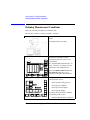
Analyzing Measurement Results
Manual Analysis
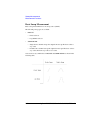
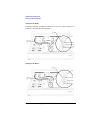
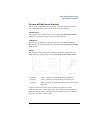
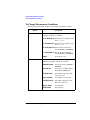
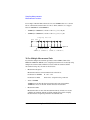
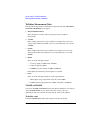
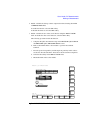
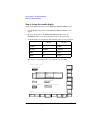
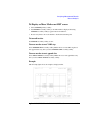
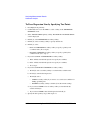
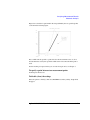
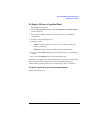
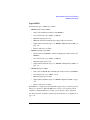
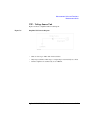
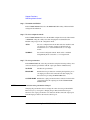
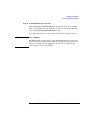
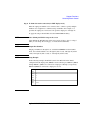
To Display or Move Marker on LIST screen
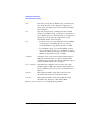
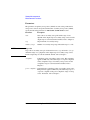
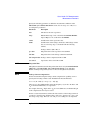
1. Select MARKER primary softkey.
2. Set MARKER secondary softkey to ON. The marker is displayed. Selecting
MARKER secondary softkey toggles between ON and OFF.
3. Rotate rotary knob to move the marker to desired measurement point.
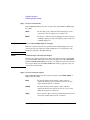
To turn off marker
Set MARKER secondary softkey to OFF.
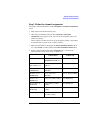
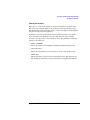
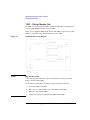
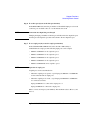
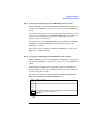
To move marker to next VAR2 step
Select MARKER SKIP secondary softkey. Marker moves to next VAR2 step data or
next append data every time you select MARKER SKIP secondary softkey.
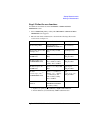
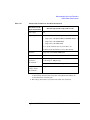
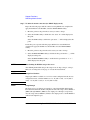
To move marker to next append data
Select NEXT APPEND secondary softkey. Marker moves to next append data every
time you select NEXT APPEND secondary softkey.
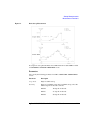
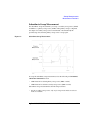
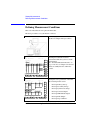
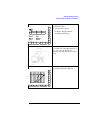
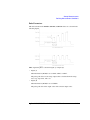
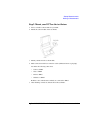
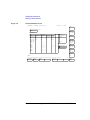
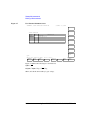
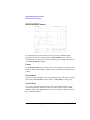
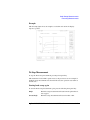
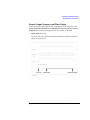
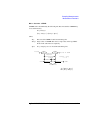
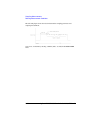
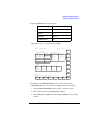
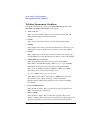
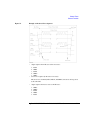
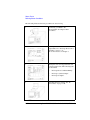
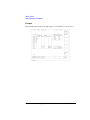
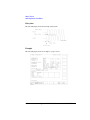
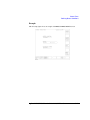
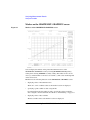
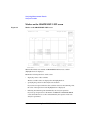
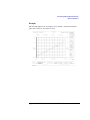
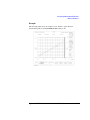
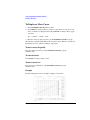
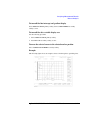
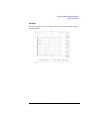
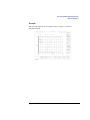
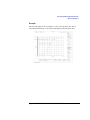
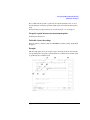
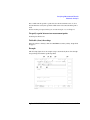
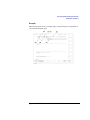
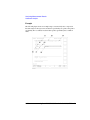
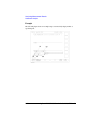
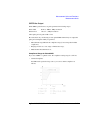
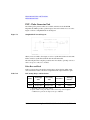
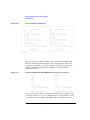
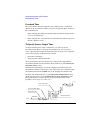
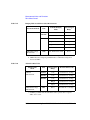
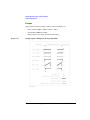
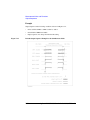
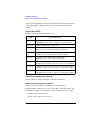
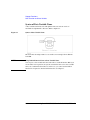
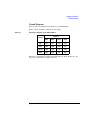
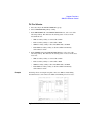
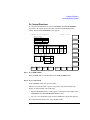
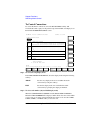
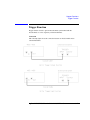
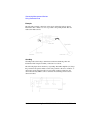
Example
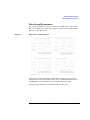
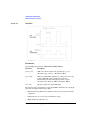
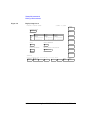
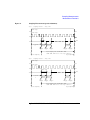
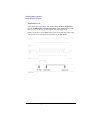
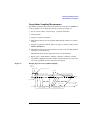
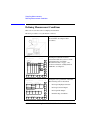
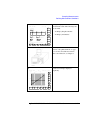
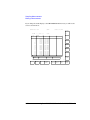
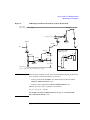
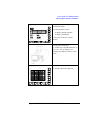
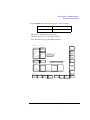
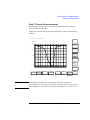
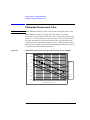
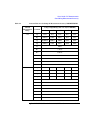
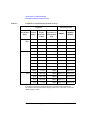
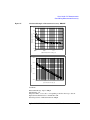
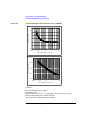
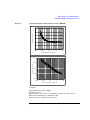
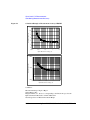
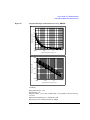
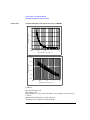
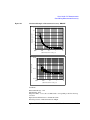
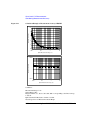
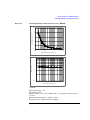
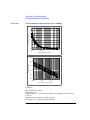
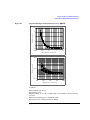
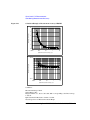
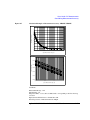
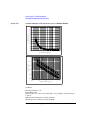
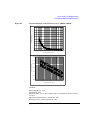
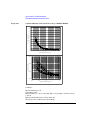
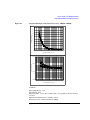
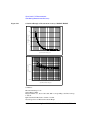
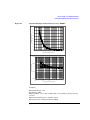
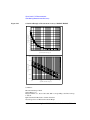
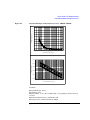
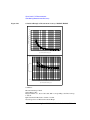
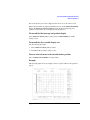
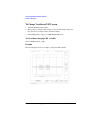
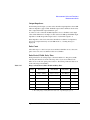
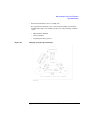
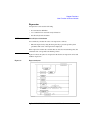
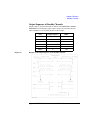
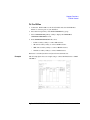
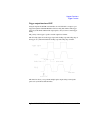
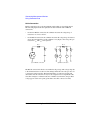
The following figure shows an example to display marker.
Agilent 4155C/4156C User’s Guide Vol.2, Edition 5
6-35