1
Product Version 10.5
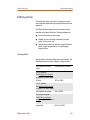
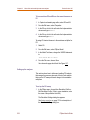
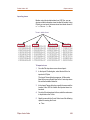
Starting the simulation
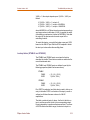
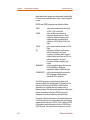
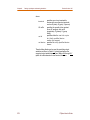
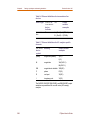
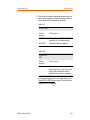
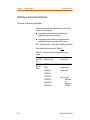
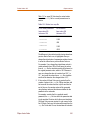
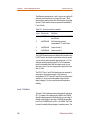
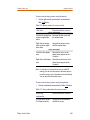
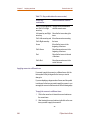
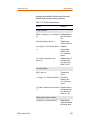
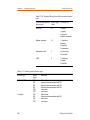
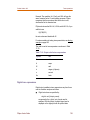
digital_expression [;display_name ]
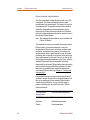
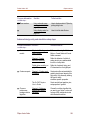
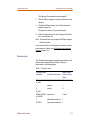
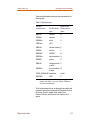
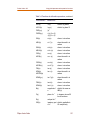
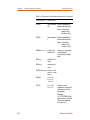
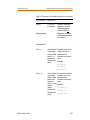
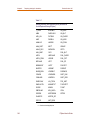
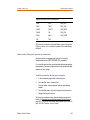
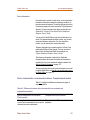
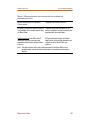
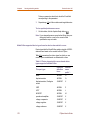
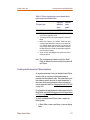
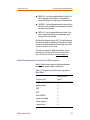
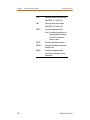
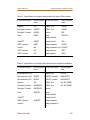
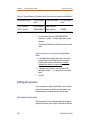
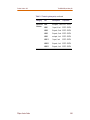
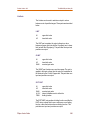
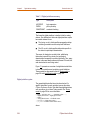
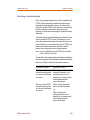
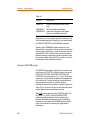
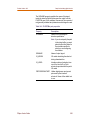
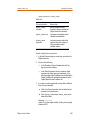
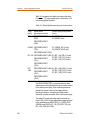
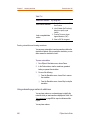
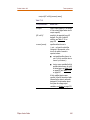
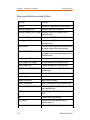
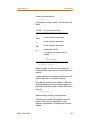
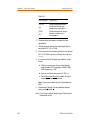
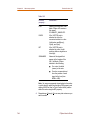
Table 14-9
This placeholder...
Means this...
digital_output_
variable
output variable from the
Simulation Output Variable list
(Digital check box selected)
digital_expression
expression using digital output
variables and operators
display_name
(optional)
text string (name) to label the
signal on the plot, instead of
using the default output
variable notation
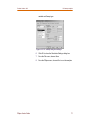
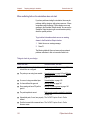
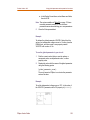
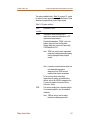
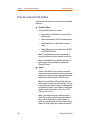
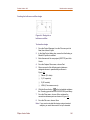
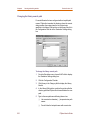
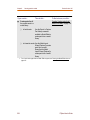
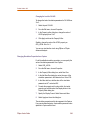
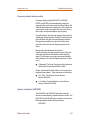
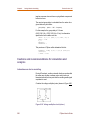
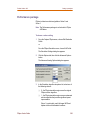
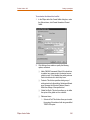
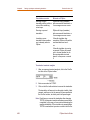
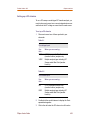
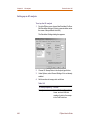
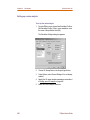
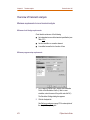
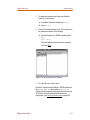
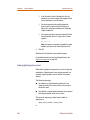
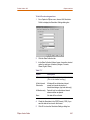
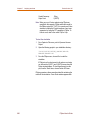
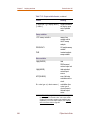
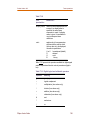
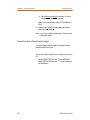
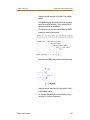
To add a digital trace expression
1
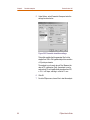
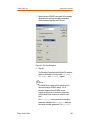
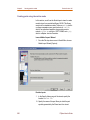
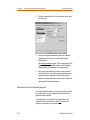
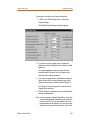
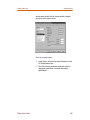
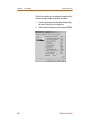
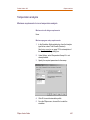
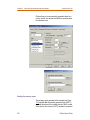
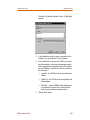
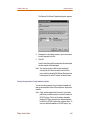
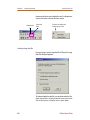
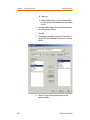
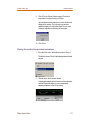
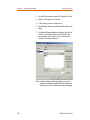
In the Add Traces dialog box, make sure you select the
Digital check box.
2
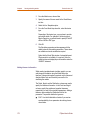
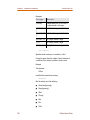
Do one of the following:
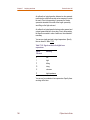
3
❑
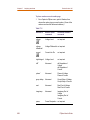
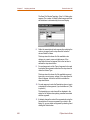
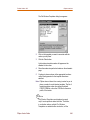
In the Simulation Output Variables list, click the
signal you want to display.
❑
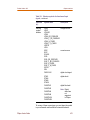
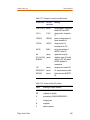
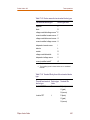
In the Trace Expression text box, create a digital
expression by either typing the expression, or by
selecting digital output variables from the Simulation
Output Variables list and digital operators from the
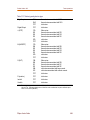
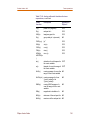
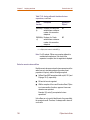
Digital Operators and Functions list.
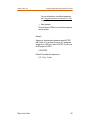
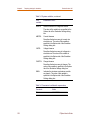
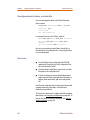
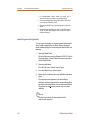
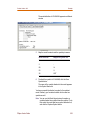
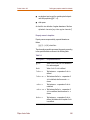
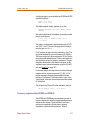
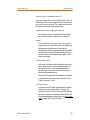
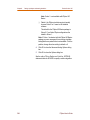
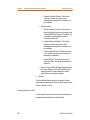
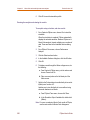
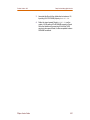
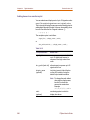
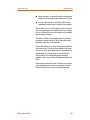
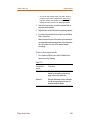
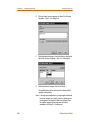
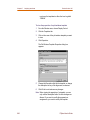
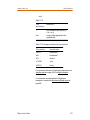
If you want to label a signal with a name that is different
from the output variable:
a. Click in the Trace Expression text box after the last
character in the signal name.
b. Type ;display_name where display_name is the
name of the label.
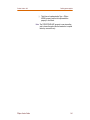
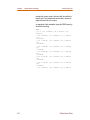
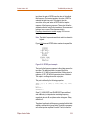
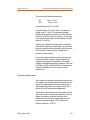
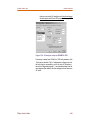
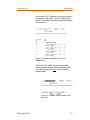
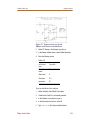
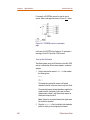
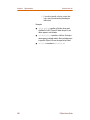
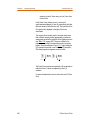
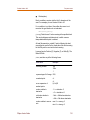
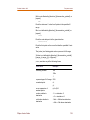
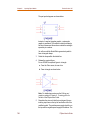
Example: U2:Y;OUT1
where U2:Y is the output variable. On the plot, the signal
is labeled OUT1.
PSpice User's Guide
565