1
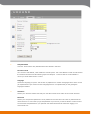
2. Submitter
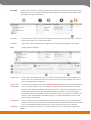
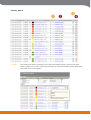
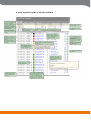
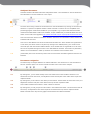
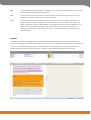
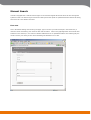
This field shows the student’s e-mail address. In those cases when a student has registered his or
her name, this is shown in its place. Irrespective if the name or the e-mail address is shown, the user
may left click to send a reply to the student. Please note that the reply will be sent out from the
user’s private e-mail address.
For integrity reasons no e-mails from the students can be forwarded to a third party. If the user’s
Urkund account has been set to be anonymous this will be indicated with “anonymous examination”
and neither the student’s name nor e-mail address is shown. In this case, no reply can be sent to the
student as the student’s e-mail address would reveal his or her identity. Even if a user account is
changed from “anonymous” to the normal setting, those documents sent in before the change will
remain without submitter details.
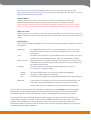
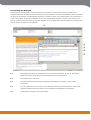
3.Reg
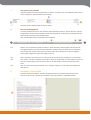
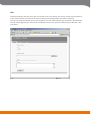
Abbreviation for ” Registered name”. This field indicates if the student has registered his or her
name in connection to the e-mail address. The field has three settings:
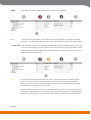
The name has been registered (the name is also shown under “Receiver”).
The name has not been registered (the e-mail address is shown under “Receiver”)
Registration requested
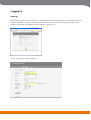
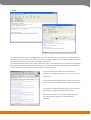
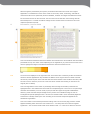
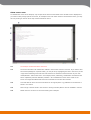
If the student has not registered his or her name in connection to the e-mail address, the user may
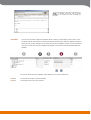
request this if necessary. By left clicking on the “The name has not been registered”
a request for
registration is sent out via e-mail to the student:
Hello!
This is an automated letter from the Urkund antiplagiarism system.
Adam Teacher has requested that you state your name in conjunction
with your e-mail address in order to facilitate the review and grading of
the document you submitted. Please follow this link [personal link] to
state your name.
Best regards,
Urkund
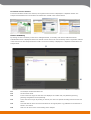
If the account has been set to be anonymous, the symbol
in this field will be used to show that
the name is unessential. No e-mail can be sent to the student by clicking on this symbol.
2008-04-09
21