1
MPoA for WAN1
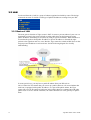
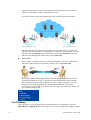
MPoA is a specification that enables ATM services to be integrated with existing LANs,
which use either Ethernet, token-ring or TCP/IP protocols. The goal of MPoA is to allow
different LANs to send packets to each other via an ATM backbone.
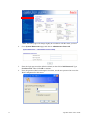
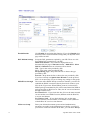
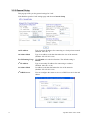
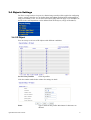
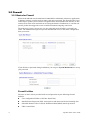
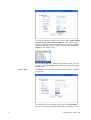
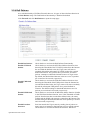
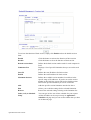
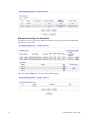
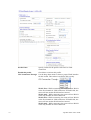
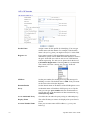
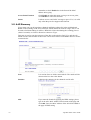
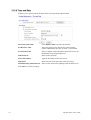
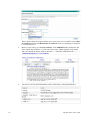
To use MPoA as the accessing protocol of the Internet, select MPoA mode. The following
web page will appear.
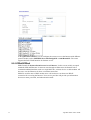
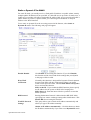
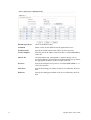
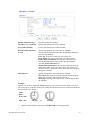
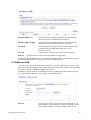
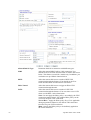
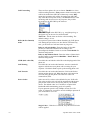
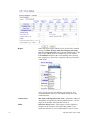
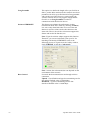
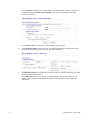
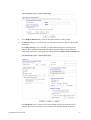
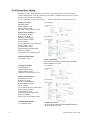
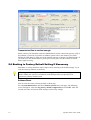
DSL Modem Settings
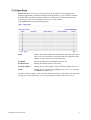
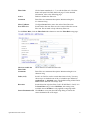
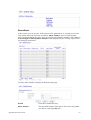
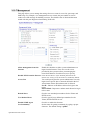
Set up the DSL parameters required by your ISP. These are vital
for building DSL connection to your ISP.
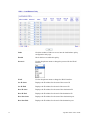
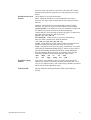
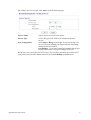
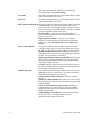
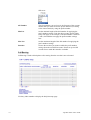
Multi-PVC channel - The selections displayed here are
determined by the page of Internet Access – Multi PVCs. Select
M-PVCs Channel means no selection will be chosen.
Encapsulating Type - Drop down the list to choose the type
provided by ISP.
VPI - Type in the value provided by ISP.
VCI - Type in the value provided by ISP.
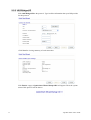
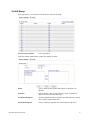
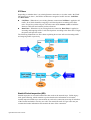
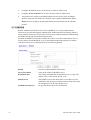
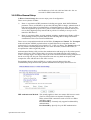
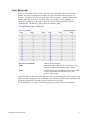
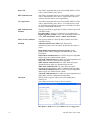
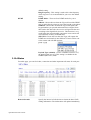
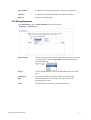
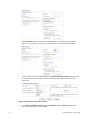
RIP Protocol
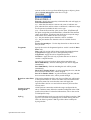
Routing Information Protocol is abbreviated as RIP(RFC1058)
specifying how routers exchange routing tables information. Click
Enable RIP for activating this function.
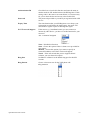
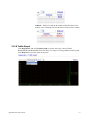
Bridge Mode
If you choose Bridged IP as the protocol, you can check this box
to invoke the function. The router will work as a bridge modem.
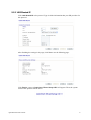
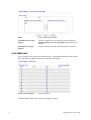
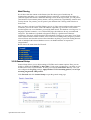
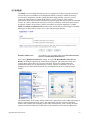
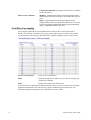
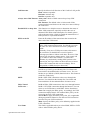
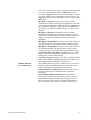
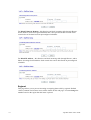
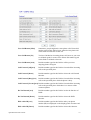
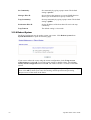
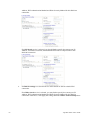
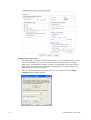
WAN IP Network
Settings
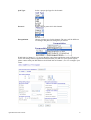
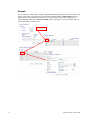
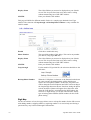
This group allows you to obtain an IP address automatically and
allows you type in IP address manually.
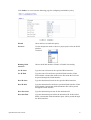
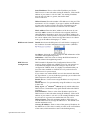
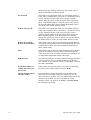
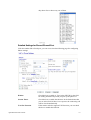
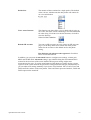
Obtain an IP address automatically – Click this button to obtain
the IP address automatically.
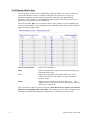
Router Name – Type in the router name provided by ISP.
38
Vigor2820 Series User’s Guide