1
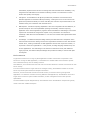
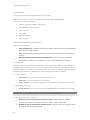
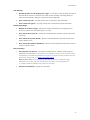
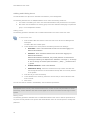
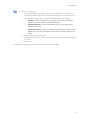
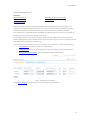
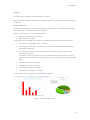
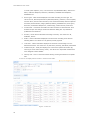
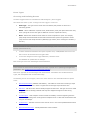
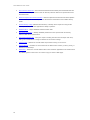
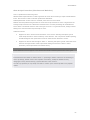
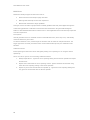
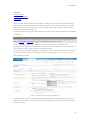
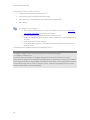
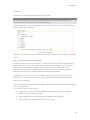
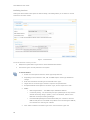
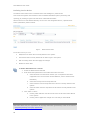
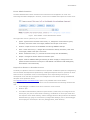
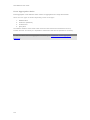
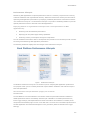
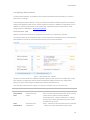
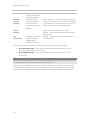
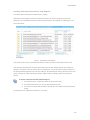
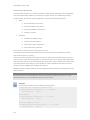
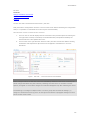
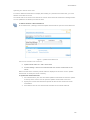
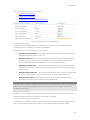
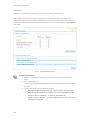
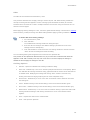
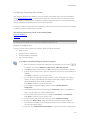
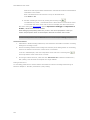
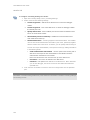
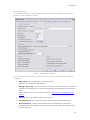
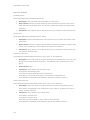
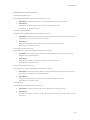
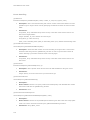
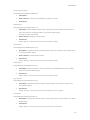
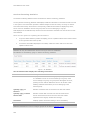
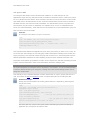
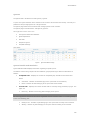
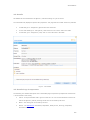
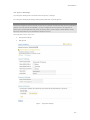
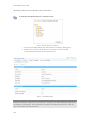
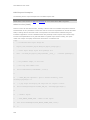
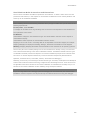
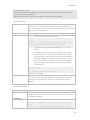
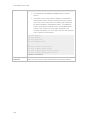
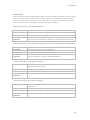
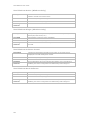
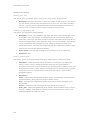
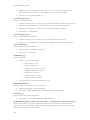
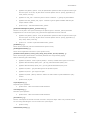
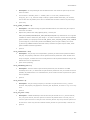
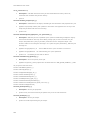
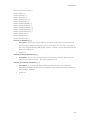
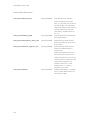
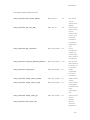
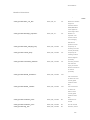
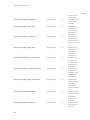
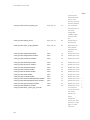
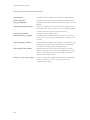
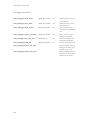
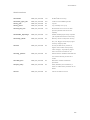
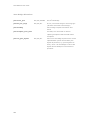
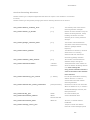
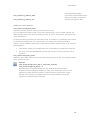
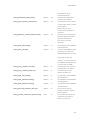
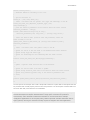
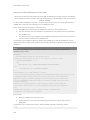
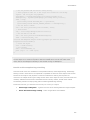
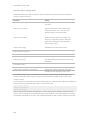
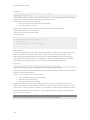
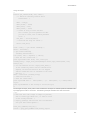
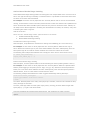
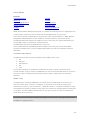
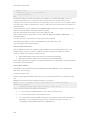
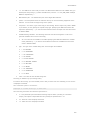
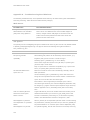
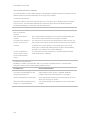
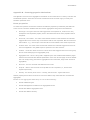
Zend Platform Job Queue Settings The Job Queue Settings tab is accessed from Job Queues | Settings. The Job Queue Settings tab displays settings associated with a specific Queue. Note: Windows all supported versions should use the service manager to Start and Stop services (Start/Stop options in the Tab will not be available). To view a Job Queue service's status or to stop/start it, please open your Windows Services panel (by clicking Start | Control Panel | Administrative Tools | Services) and locate and run the Platform Job Queue service. Through this screen users can: View Queue settings. Edit Queues Figure: Job Queue Settings 207