1
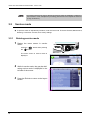
CHECK AND ADJUSTMENT PROCEDURES: Drilling Check and Adjustment
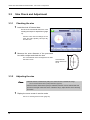
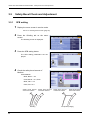
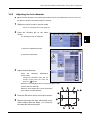
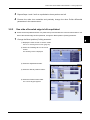
zAdjusting the Drill zero point
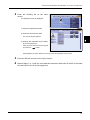
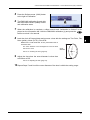
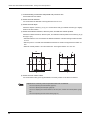
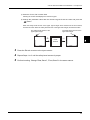
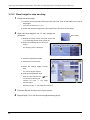
When the difference between C and D is 0.1 mm or more, press the "Drill zero point"
numeric field.
Change the parameter value with the numeric keypad. Enter the value and press the
button.
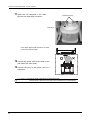
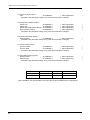
When D > C and the difference between C and D is 1.0 mm,
set the parameter to 0.5.
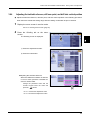
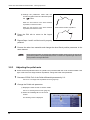
zAdjusting the drill hole vertical position
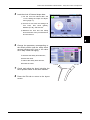
Press the "Drill hole vertical position" numeric field when the L length is not 37.0 mm ±0.1
mm.
Change the parameter value with the numeric keypad. Enter the value and press the
button.
For L = 37.2 mm,
set the parameter to -0.1.
19
A
C
D
B
L
3
4
30
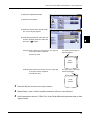
Press the Exit tab to return to the layout screen.
Repeat processing the lens with drilling confirmation shape data and Steps 1 to 4 until
each value becomes proper.