1
User’s Manual of WNRT-633
5.3.4 Planet EasyDDNS
PLANET Easy DDNS is a way help to get your Domain Name with just one click. You can just login to
the Web Management Interface of your devices, check the DDNS menu and just enable it.
Once you enabled the Easy DDNS, your PLANET Network Device will use the format PLxxxxxx where
xxxxxx is the last 6 characters of your MAC address that can be found on the Web page or bottom
label
of
the
device.
(For
example:
00-30-4F-77-88-17,
it
will
be
converted
into
PL778817.planetddns.com)
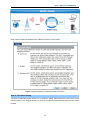
To use Planet EasyDDNS service, please refer to the procedure listed as following.
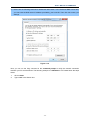
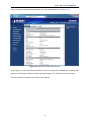
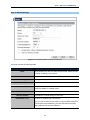
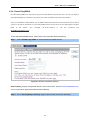
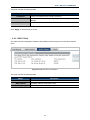
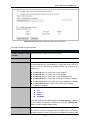
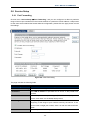
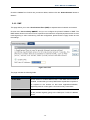
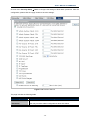
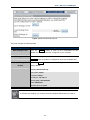
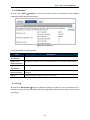
Step 1. Select “Enable Easy DDNS” to use the Planet Easy DDNS service.
Figure 5-1-9 Planet EasyDDNS Settings
Domain Name:Display the specified domain name for this device. (format: plxxxxxx.planetddns.com,
xxxxxx is the last six-digit of the WAN Port MAC address)
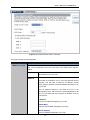
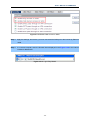
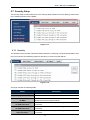
Step 2. Go to “Security Setup-> Security” page to allow remote access from WAN port.
-42-