1
Streamer Utilities
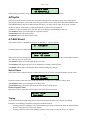
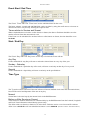
Start / End Date
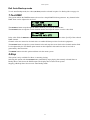
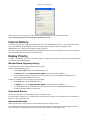
The Start Date and End Date selector boxes set the dates for Events scheduled for Special days.
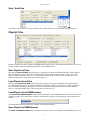
Playlist Files
Streamer Utilities provides a facility for DMXStreamer Playlists to be downloaded and backed-up to any file
storage medium and later reloaded and restored to the DMXStreamer.
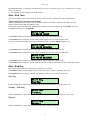
Save Playlist to Disk
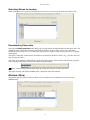
Selecting the Save to Disk button brings up a prompt for the name and destination folder for the Playlist
file. The default location is the folder containing the Streamer Utilities program, but it can be any valid
folder, including a network file server or a removable storage device, such as a flash memory device or a
portable media player. Playlist files have the file type .ply
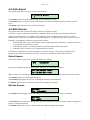
Load Playlist from Disk
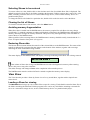
Selecting the Load from Disk button brings up a prompt for the name and folder of the Playlist file to
load. The default location is the folder containing the Streamer Utilities program, but it can be loaded from
any valid folder, including a network file server or a removable storage device, such as a flash memory
device or a portable media player. Playlist files have the file type .ply
Load Playlist from DMXStreamer
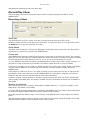
The Load from DMXStreamer button initiates the transfer of the DMXStreamer Playlist to the Streamer
Utilities computer. The status of the transfer is indicated by a progress bar that appears at the bottom of the
window.
The downloaded Playlist replaces the contents of the Playlist window.
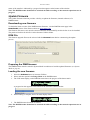
Save Playlist to DMXStreamer
The Save to DMXStreamer button initiates the transfer of the current Playlist to the DMXStreamer. The
35