1
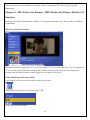
PIP (Picture-In-Picture) Mode in full screen
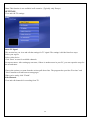
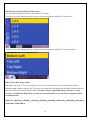
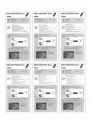
You can adjust the position and size for smaller TV window.
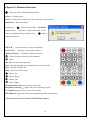
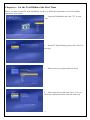
Click the icon on the floating tool bar as the pic below to adjust the smaller TV window size.
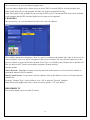
Click the icon on the floating tool bar as the pic below to adjust the smaller TV window position.
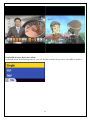
PBP (Picture-By-Picture) Mode
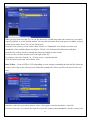
PBP Mode will show 2 TV screens side by side. You can control the TV screen with a green frame by
floating toolbar. Double click the left TV screen will change their position with each other. Double click the
right one will be back to PIP Window Mode. In order to make a good PBP using experience, a wide
screen is recommended. PBP Mode can only be activated in full screen, and only be supported these
resolutions below.
1280x720,1280x768,1280x800,1360x768,1440x900,1600x900,1600x1024,1680x1050,1920x1080,
1920x1200,2560x1200。
25