1
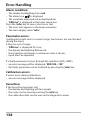
Error Handling
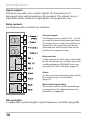
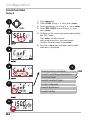
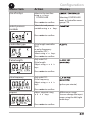
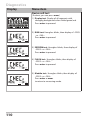
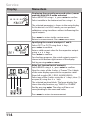
Alarm condition:
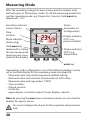
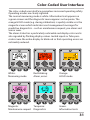
• The display backlighting turns red
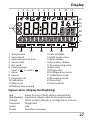
• The alarm icon
is displayed
• The complete measured-value display blinks
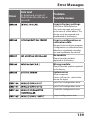
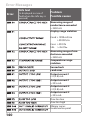
• “ERR xxx“ is displayed in the lower menu line
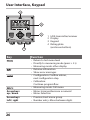
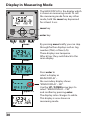
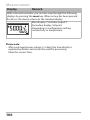
Press the [info] key to view a short error text:
• The error text appears in the lower menu line
• The main display reads “InFo“.
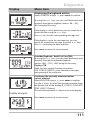
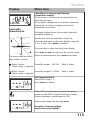
Parameter errors:
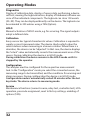
Configuration data such as current range, limit values, etc are checked
during the input.
If they are out of range,
• “ERR xxx“ is displayed for 3 sec,
• the display backlighting flashes red,
• the respective maximum or minimum value is shown,
• input must be repeated.
If a faulty parameter arrives through the interface (IrDA, HART),
• an error message will be displayed: “ERR 100...199“
• the faulty parameter can be localized by pressing the [info] key
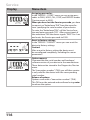
Calibration errors:
If errors occur during calibration,
• an error message will be displayed
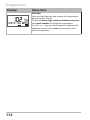
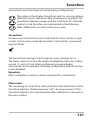
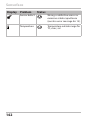
Sensoface:
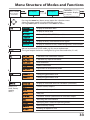
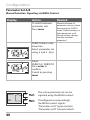
If the Sensoface becomes sad,
• the display backlighting will turn purple
• the cause can be seen by pressing the info key
• the calibration data can be seen in the Diagnostics menu
138