1
.
Chapter 6
Task Delay
During competitions it is common that the tasks gets postponed or delayed. Usually the take off,
the start gate, goal close and land by times are all postponed or delayed. Instead of having to
edit the defined task, the LIVE offers a task delay feature which moves all defined times in a task
forward by X minutes.
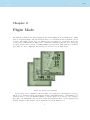
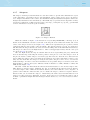
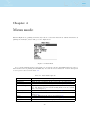
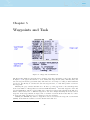
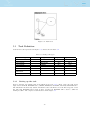
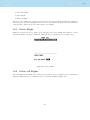
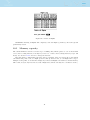
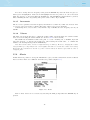
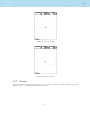
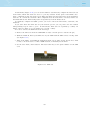
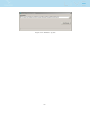
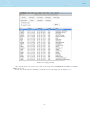
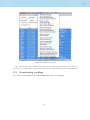
Figure 6.1: Task Delay
To delay a task, when in the Task Delay menu simply push the ENTER button when the Task
Delay is selected (Figure 6.1). Then using UP, and DOWN buttons set the number of minutes to
delay. Finally, push the ENTER button to confirm.
34