1
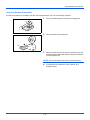
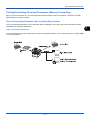
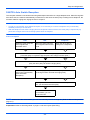
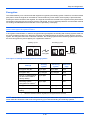
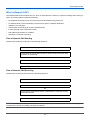
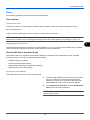
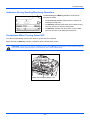
About Network FAX What is Network FAX? The Network FAX function enables any PC, which is networked to the machine, to perform sending and receiving of faxes. Its primary features include the following. • PC-prepared document can be sent and received by fax without being printed out. • An Address Book (in the machine/PC) can be used to specify a desired destination. • Addition of a cover page. • Transmission and printing can be done simultaneously. • E-mail reporting of the transmission result. • Sub address transmission is available. • Operation is as simple as printing. Flow of Network FAX Sending Network FAX sending is performed in the following sequence. Prepare a document using a PC networked to this machine. Forward the document data from the PC to this machine using the same operation as for printing. The machine sends the document data to another fax machine. The other fax machine receives the data. Flow of Network FAX Receiving Network FAX receiving is performed in the following sequence. Another fax machine sends a fax to this machine. The machine receives the fax. The machine sends the fax data to a networked PC using the memory forwarding function. The PC networked to this machine receives the data. NOTE: The memory forwarding function allows not only reception by the networked PC, but also forwarding of the received fax by e-mail, forwarding to another fax machine. 7-2