1
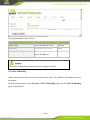
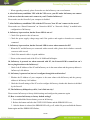
First step: As shown the arrow 1 in the picture below, Press downward the InGateway to make sure the
bottom have the enough space to break away from the DIN rail.
Second step: Rotate InGateway to the direction of arrow 2, and move outward the bottom of InGateway.
Once the the bottom break away from the rail seat, InGateway can be removed from the DIN rail.
4.2 Wall Mounting
4.2.1 Wall Mounting Installation
Installation Steps:
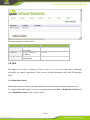
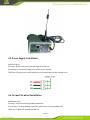
First step: Select the right installation location and make sure have enough space.
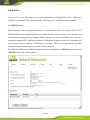
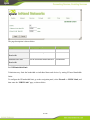
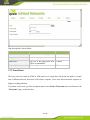
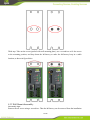
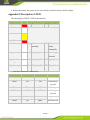
Second step: Use a screwdriver to install the wall mounting plate in the rear of the InGateway. As
shown in picture below:
72 / 80