1
Doc.no.SO-0603-A/16/03/00
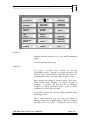
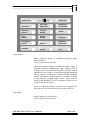
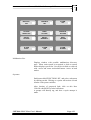
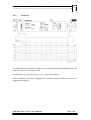
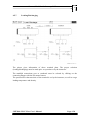
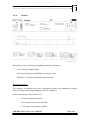
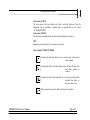
Process Dynamics: Changes the simulator time response of the different sub-systems. The
faster response, the shorter time is required to establish normal temperatures in tanks, correct
viscosity, etc. There are 3 choices:
Normal
Fast
Very Fast
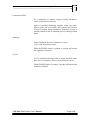
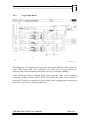
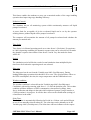
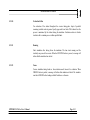
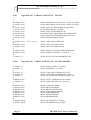
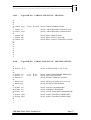
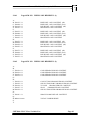
Log printer 1: Determines which events or alarms to be logged on the printer. If required,
all buttons can be activated. Press the appropriate push button(s) to satisfy the exercise to
be run. The actual event/ alarm is printed together with the time it took place.
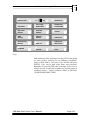
The choice is as follows:
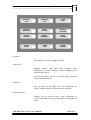
Alarm: In general all alarms that occur are printed
Event: All actions from the student are printed, like start/stop of pumps, opening or
closing valves
DataChief: All actions from the Electrical Power Plant will be printed. (If connected)
Malfunction: Setting and Resetting of Malfunctions.
Instructor: Not in use
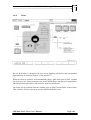
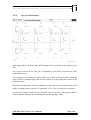
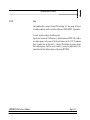
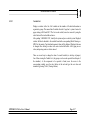
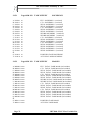
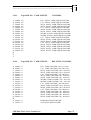
-Log printer 2: For future use.
-Log printer 3: For future use.
CHT2000-VLCC-II-ws User’s Manual
Page 5-8