1
AKTIVATECH
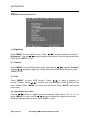
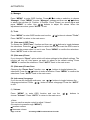
8) Scaling Select :
Press “MENU” to enter OSD function and use the /
Select”. Press “ AUTO” to return to the main menu.
buttons to choose ”Scaling
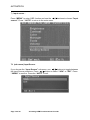
8-1 (sub menu) Scaling Select
If you choose the Scaling Select sub-menu, use
/
buttons to toggle between the
scaling source selections. Press
/
button to select “16:9” or “4:3”. Press the
“AUTO” to exit.
9) Press “ AUTO” that the display will be auto adjusted to its optimal performance.
Page 19 of 23
A Leading OEM Touch Solutions Provider