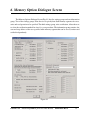
1
8.2.1 IEEE Address selection
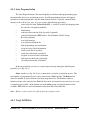
The FlashPro-CC software allows to create IEEE Address in the target device. Format and
location in flash of the created IEEE Address is fixed and contains 8 bytes located at the end of
available flash memory location. For example, the IEEE Address in a CC2431F128 device is saved
at location 0x1FFF8 to 0x1FFFF. All eight bytes must be specified.
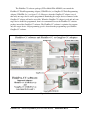
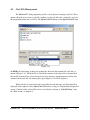
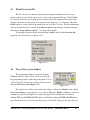
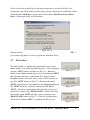
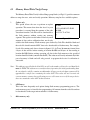
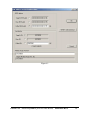
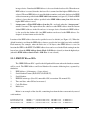
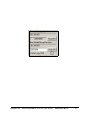
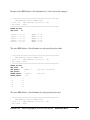
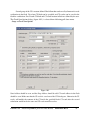
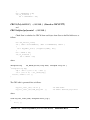
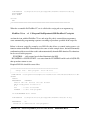
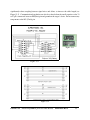
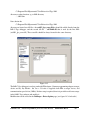
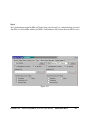
Figure 8.3
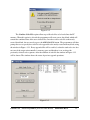
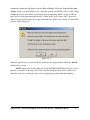
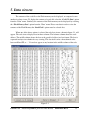
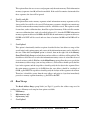
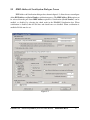
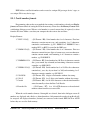
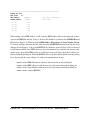
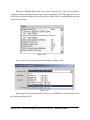
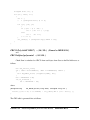
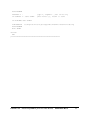
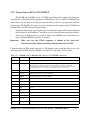
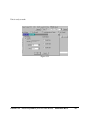
Figure 8.4
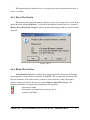
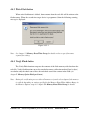
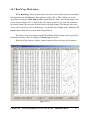
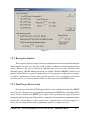
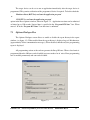
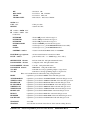
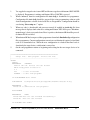
The IEEE Address selection depends on the option used to program the target device. When
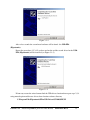
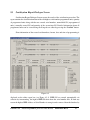
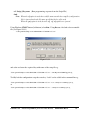
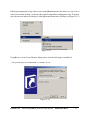
using the Autoprogram option, the IEEE Write Address is specified in the IEEE Address Setup (see
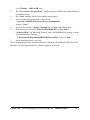
Figure 8.3). When the user wishes to manually program the target device, then the IEEE Address can
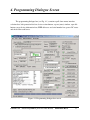
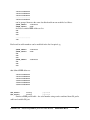
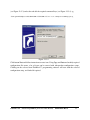
be specified in through the Device’s IEEE Address and Serialization group (see Figures 4.1 and 8.4).
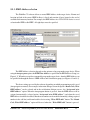
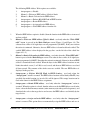
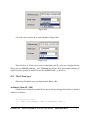
The above settings are used by the software depending on which programming mode is used
(Autoprogram or manual). For example, in the main dialogue screen the option “Retain Code, Write
IEEE address” can be selected and in the serialization dialogue screen - the “Assign and write
IEEE address” option. When the Autoprogram button is pressed, then the IEEE address will be
assigned automatically (selected option “Assign and write IEEE address”) and when the saved
IEEE address should be modified, then the new number can be modified manually (editing required
number in the edit line) and downloaded to device using “Write IEEE addr” button. The “Retain
Code, Write IEEE address” option will be used when the “Write IEEE addr” button is pressed.
FlashPro-CC - Flash Programmer for Ccxx series devices
PM024A01 Rev.6
48