1
SELCO A/S
SIGMA / HyperTerminal Manual
4 Starting a pre-configured HyperTerminal
A previously saved HyperTerminal configuration saves you the hassle of going through
the configuration procedure every time you need to access the RS232 based configuration
of a Sigma module. The procedure for setting up the configuration short-cut is explained
earlier in this manual.
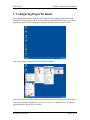
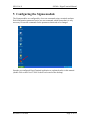
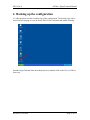
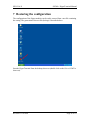
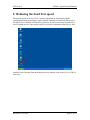
To start the pre-configured HyperTerminal, first start up the PC and wait until the
Desktop is ready for your command.
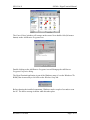
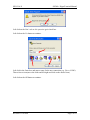
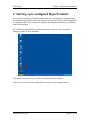
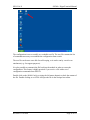
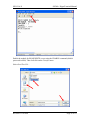
Now double click on the Direct COM1.ht icon located on the Desktop.
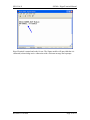
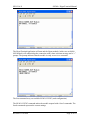
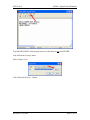
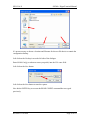
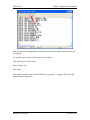
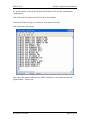
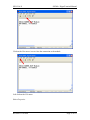
This causes the HyperTerminal application to execute in a pre-configured state.
Revision: 11.08.2005
Page 13 of 35