1
User Manual
NanoPro
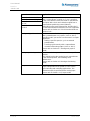
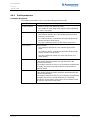
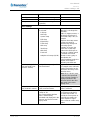
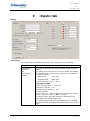
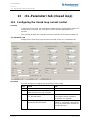
<CL-Parameter> tab (closed loop)
Step
Action
2
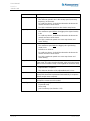
Click on the <Next> button.
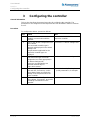
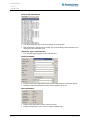
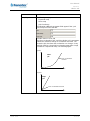
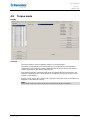
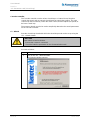
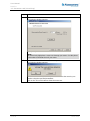
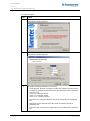
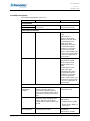
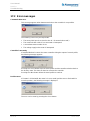
The following window appears:
3
• If a configuration file already exists:
Select the upper option field and then click on the <Next> button. The
"Open" window appears, in which you can select the configuration file.
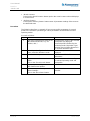
• If configuration file still does not exist:
Click on the <Next> button. A search is made for connected hardware.
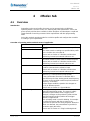
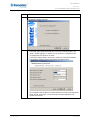
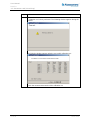
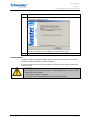
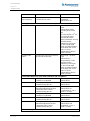
The following window appears if hardware has been found:
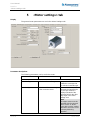
Check whether the hardware has been detected correctly and change the
motor design, motor type, connection type and step angle/pole pair
number if necessary.
Issue: V2.3
69 of 90