1
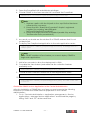
Note:
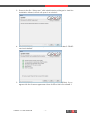
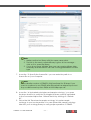
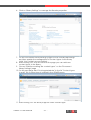
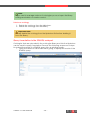
1. Make sure that no library with the same name exists.
2. The link to the newly created library is given in the message –
click on it to open the library.
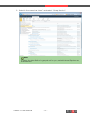
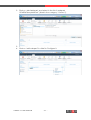
3. If you do not press 'Initialize' then you can create a library later
manually and associate it with the 'OntologyMetadata' content
type.
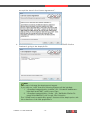
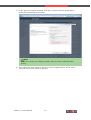
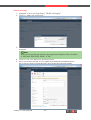
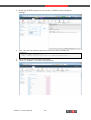
7. In section “3. Specify the license file“ you can enter the path to a
license file on your computer.
Note:
The evaluation version of GRASP is fully functional for 30 days. If you
want to continue to use GRASP after this period has elapsed you must
buy a valid license key from DIQA at: [email protected]
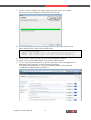
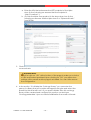
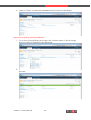
8. In section “4. Uploaded ontologies and sample ontology “ you open
the drop down list to verify the ontologies that are currently uploaded
to the connected triple store. Refresh the list by clicking on “Refresh
list”.
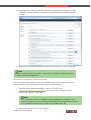
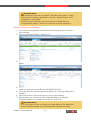
9. Follow the link 'Download a sample ontology' to load a sample
ontology to your local machine. You can upload this sample ontology
later into your ontology library to verify proper operation of GRASP.
GRASP 1.0 User Manual
- 17 -