1
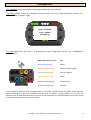
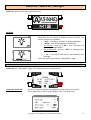
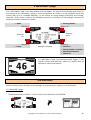
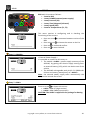
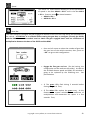
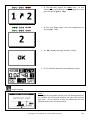
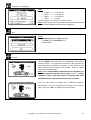
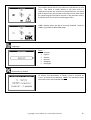
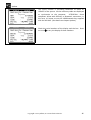
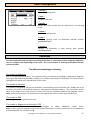
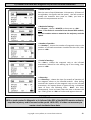
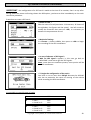
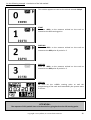
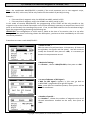
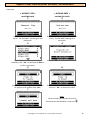
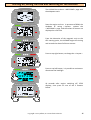
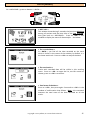
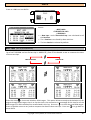
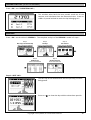
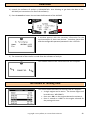
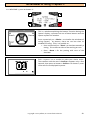
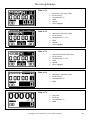
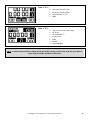
« WELCOME » page The « WELCOME » page is the main window of the ALFANO. The menus of this window give access to the settings of the parameters « SETUP », to the visualization of « DATA », to the activation and to the putting with zero of « ENGINE METERS », to the choice of racing displays (LAYOUTS) and through shortcuts : direct access to data of last SESSION, activation or extinction of the backlight, activation of Bluetooth module, extinction of system. • DATA • Running Meters (Button 2) (Button 1) Memory space Batteries life (Button 3) • Setup backlight activated (Button 4) • Switch on • Racing displays « Layouts » • Bluetooth activation • Switch off In « WELCOME » page, the temperatures T1 (bigger, in the display’s center) and T2 (littler, above T1), display after 10 seconds of inactivity of buttons. The shortcuts Shortcuts allow to skim through several passages to reach directly a display or a wished option. In « WELCOME » page : - 1 second pressure on button 1 = direct access to the data of the last SESSION. Copyright 2014 Alfano, S.A. Tous droits réservés. 10