1
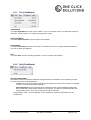
5.3.1. File (ClickWizard)
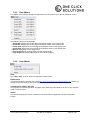
Open Batch
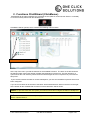
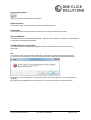
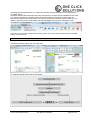
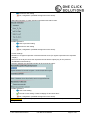
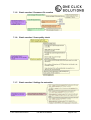
The “File / Open Batch” function opens a batch. To do so a window screen is opened and a directory
and batch can be selected. To confirm press the button “open”.
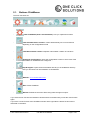
Open last Batch
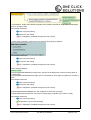
The “File / Open last Batch” function opens the last batch.
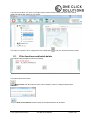
Close Batch
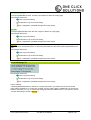
The “File / Close Batch” function closes the current batch returns to an empty ClickWizard window.
There is no safety interrogation.
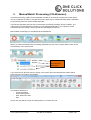
Exit
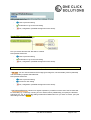
The “File / Exit” function exits the application. There is no safety interrogation.
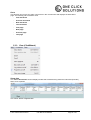
5.3.2. Edit (ClickWizard)
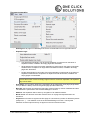
Set document status
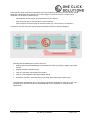
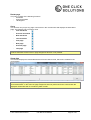
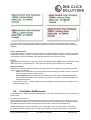
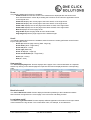
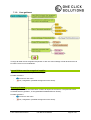
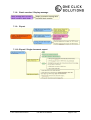
Each batch document is assigned statuses during and after the completion of the capturing process.
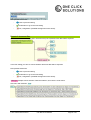
The user can set the following statuses:
- in work: the document is being captured and the capture process has not yet been completed
The user can also set the status manually.
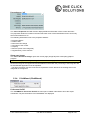
-
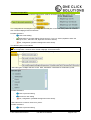
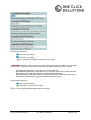
done/completed: the document has been captured and the captured data/information has
been transferred to a back office system for processing. The status is set automatically upon
saving the document. The user can also set the status manually.
The definitions “open”, “done/completed” can be modified to customer specifications in the
configuration.
© One Click Solutions GmbH
User Manual ClickWizard
Page 35 of 62