1
Table of contents
About this guide..................................................................................... 4
How this guide is organized............................................................... 4
Conventions used in this guide.......................................................... 5
Chapter 1:
Knowing your wireless router
Package contents................................................................................... 6
System requirements............................................................................. 6
Before you proceed................................................................................ 6
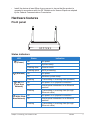
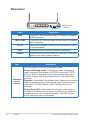
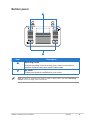
Hardware features.................................................................................. 7
Front panel......................................................................................... 7
Rear panel.......................................................................................... 8
Bottom panel...................................................................................... 9
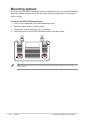
Mounting options.................................................................................. 10
Chapter 2:
Getting started
Setting up the wireless router..............................................................11
Using the Quick Internet Setup (QIS)...................................................11
Setting up the wireless router in Router mode................................. 12
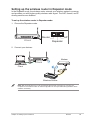
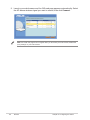
Setting up the wireless router in Repeater mode............................. 15
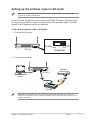
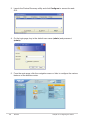
Setting up the wireless router in AP mode....................................... 17
Chapter 3:
Configuring the network clients
Accessing the wireless router............................................................. 19
Setting an IP address for wired or wireless clients........................... 19
Chapter 4:
Configuring via the web GUI
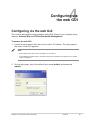
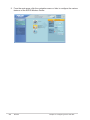
Configuring via the web GUI................................................................ 27
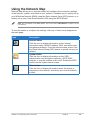
Using the Network Map........................................................................ 29
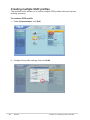
Creating multiple SSID profiles........................................................ 30
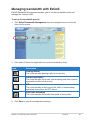
Managing bandwidth with EzQoS....................................................... 31
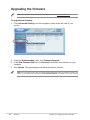
Upgrading the firmware....................................................................... 32
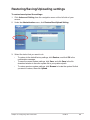
Restoring/Saving/Uploading settings................................................. 33