1
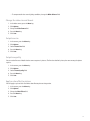
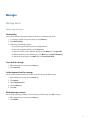
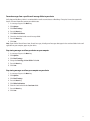
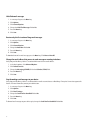
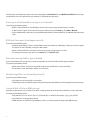
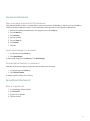
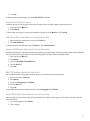
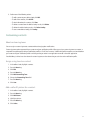
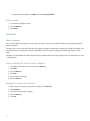
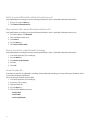
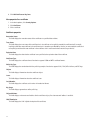
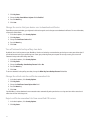
5. Press the Menu key.
6. Click one of the following menu items:
• Add Email Address
• Add Phone Number
• Add PIN
7.
8.
9.
10.
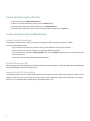
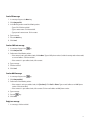
Type the contact information.
Press the Enter key.
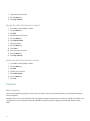
Press the Menu key.
Click Save.
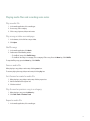
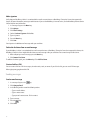
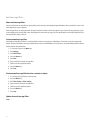
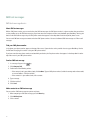
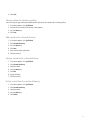
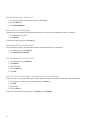
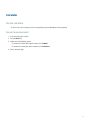
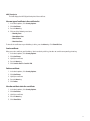
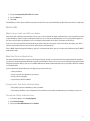
Reset a blocked message counter
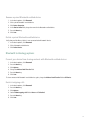
1.
2.
3.
4.
5.
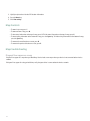
In the device options, click Security Options.
Click Firewall.
Highlight a message type.
Press the Menu key.
Click Reset Count or Reset All Counts.
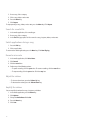
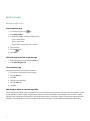
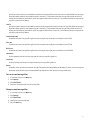
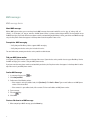
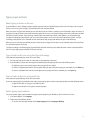
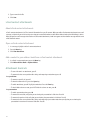
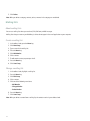
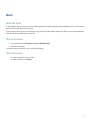
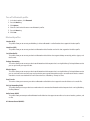
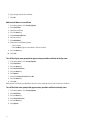
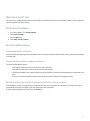
Message shortcuts
In a message
• To reply to a message, press R.
• To reply to all in an email message or a PIN message, press L.
• To forward a message, press F.
• To file a highlighted email message, press I.
• To view the email address of a contact, highlight the contact in an email message. Press Q. To view the display name, press Q
again.
• To move to the last cursor position after you close and reopen a received email message or PIN message, press G.
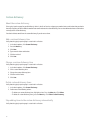
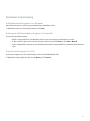
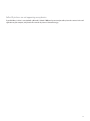
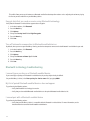
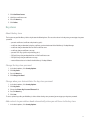
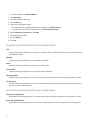
In a message list
• To open a highlighted message, press the Enter key.
• To compose a message from a message list, press C.
• To mark a message as opened or unopened, press the Alt key and U.
• To view received messages, press the Alt key and I.
• To view sent messages, press the Alt key and O.
• To view voice mail messages, press the Alt key and V.
• To view SMS text messages, press the Alt key and S.
• To view call logs, press the Alt key and P.
79