1
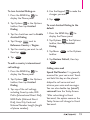
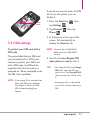
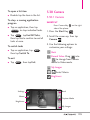
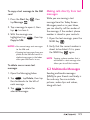
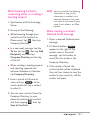
To set the phone connection to
GSM-only mode
You can set the phone connection
to GSM-only mode to prevent the
phone from accessing CDMA
networks.
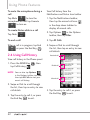
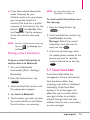
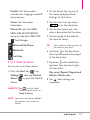
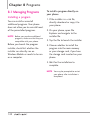
1. Press the Start Key
tap Settings
.
2. Tap Personal
Phone
.
, then
, then tap
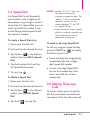
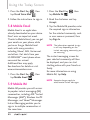
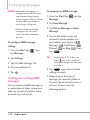
1. Press the Start Key
tap Settings
.
2. Tap Personal
Phone
.
, then
, then tap
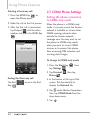
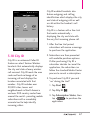
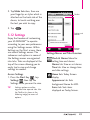
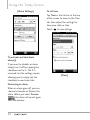
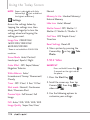
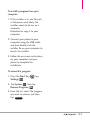
3. In the banner at the top of the
screen, flick horizontally to
display the GSM Services tab.
NOTE You must be in GSM/UMTS
Mode to access GSM/UMTS
services.
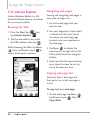
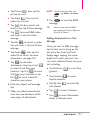
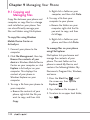
3. In the banner at the top of the
screen, flick horizontally to
display the Network tab.
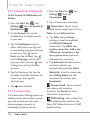
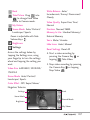
4. Tap the service you want access,
then tap Get Settings
Get Settings... .
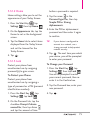
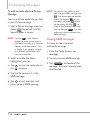
4. Tap
under Mode of operation,
then tap GSM/UMTS Mode
from the drop-down menu.
5. Tap
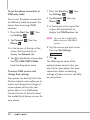
To access GSM services and
change their settings
Your phone can directly link to the
Verizon network, and enable you to
access and change the settings of
various phone services for your
phone when it is in GSM mode.
Contact Verizon to find out about
the availability of phone services for
your phone.
48
OK
.
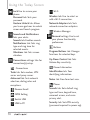
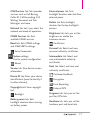
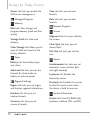
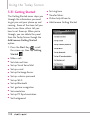
The following are some of the
optional phone services that you
may find on your phone. For more
information about customizing
settings of phone services, see Help
on your phone.