1
User Guide
NetXtreme II
March 2014
INSTALLATION CHECK
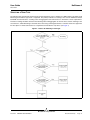
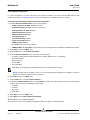
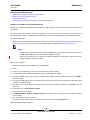
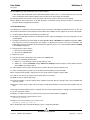
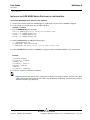
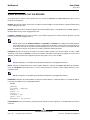
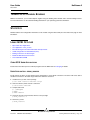
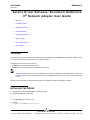
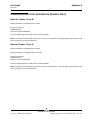
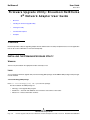
To verify the correct installation of the driver and to ensure that the host port is seen by the switch, follow the procedure
below.
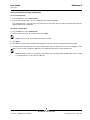
To verify the correct installation of the driver
1. Verify the host port shows up in the switch FLOGI database using the "show flogi database" command for the case of a
Cisco FCF and "fcoe -loginshow" command for the case of a Brocade FCF.
2. If the Host WWPN does not appear in the FLOGI database, then provide driver log messages for review.
LIMITATIONS
•
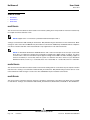
NPIV is not currently supported with this release on ESX, due to lack of supporting inbox components.
•
Non-offload FCoE is not supported with offload-capable Broadcom devices. Only the full hardware offload path is
supported.
Bro adco m Co rp or atio n
Document
INGSRVT710-CDUM100-R
iSCSI Support
Page 179