1
What’s in this guide?
Getting started
Making calls
Using the phone book
Running a presentation
In-call features
features
In-call
Contact
Contactinformation
information
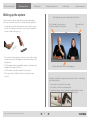
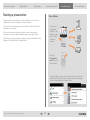
Do as follows:
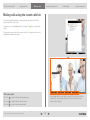
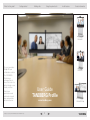
The presentation functionality in the system enables you to show other
available video sources in addition to your main camera.
This is perfect for meetings where you would like to share a PowerPoint
presentation, for example.
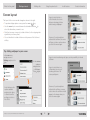
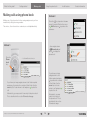
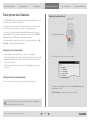
Connect your
presentation
source(s) to the
I/O panel on the
codec, located
in the base
module.
After you have connected your presentation source you may have to
configure your source to make it supply a signal to your video system.
The ability to do such presentations requires the optional Natural Presenter
Package. If in doubt consult your administrator.
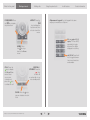
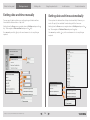
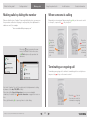
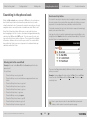
Press the
Presentation
mode key on the
remote control
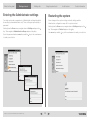
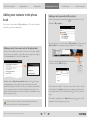
To specify which source to serve for the presentation select it as
shown here. Note that the name of each source can be changed,
consult your administrator for details on this.
D14386.01 USER GUIDE TANDBERG Profile—FEBRUARY 2009
27