1
3.0
POLARplus Manager User Guide
POLARplus
3) Set up the agent
© Copyright SIDSA, All rights reserved
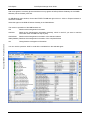
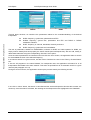
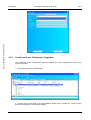
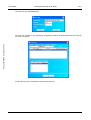
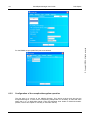
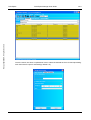
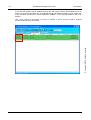
Click on Tools > Options and choose “Agents”
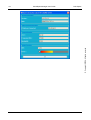
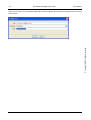
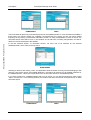
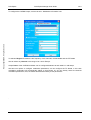
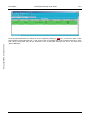
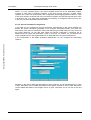
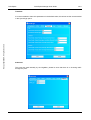
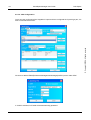
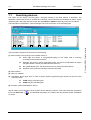
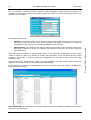
Click on “Add” and the following window will open to add an SNMP device
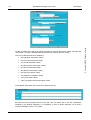
Adress: Type in the IP address of the SNMP agent, in this case the DVB-IP Deluxe Gateway.
Port: The default port used is 161, change it if you are using another one in your SNMP Network.
Read and Write Community: for SIDSA agent, public is used for both Read and Write Community.
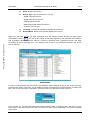
Press Ok to save the Agent properties.
SIDSA
Public
21