1
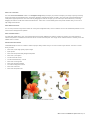
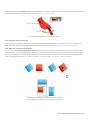
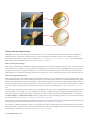
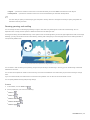
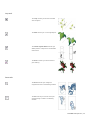
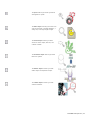
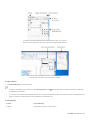
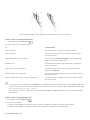
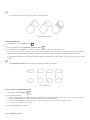
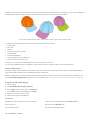
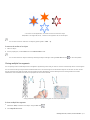
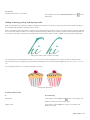
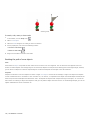
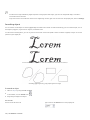
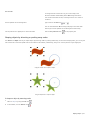
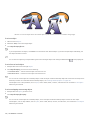
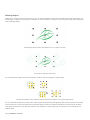
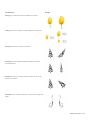
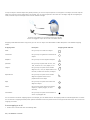
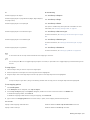
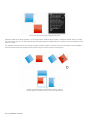
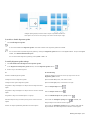
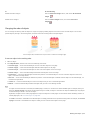
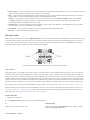
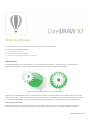
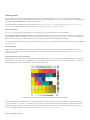
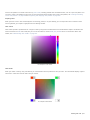
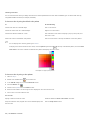
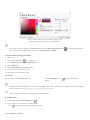
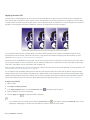
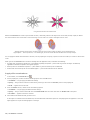
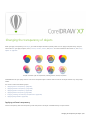
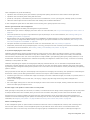
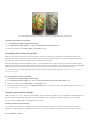
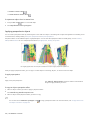
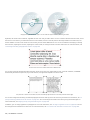
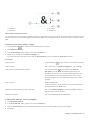
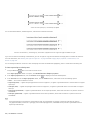
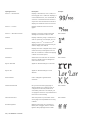
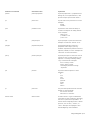
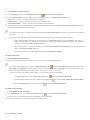
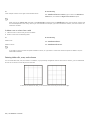
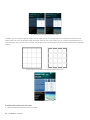
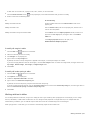
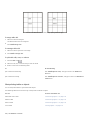
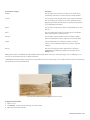
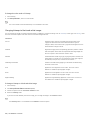
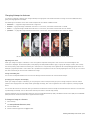
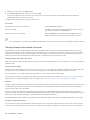
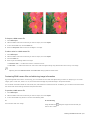
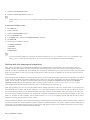
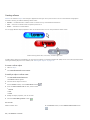
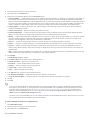
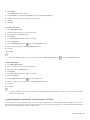
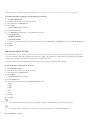
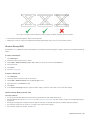
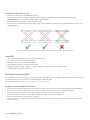
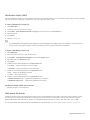
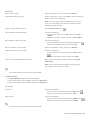
From left to right: Original image; Zipper and Twister distortions applied; Pull distortion applied
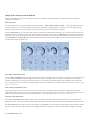
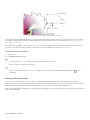
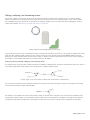
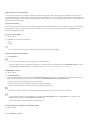
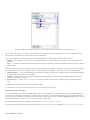
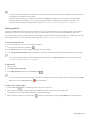
After you distort an object, you can change the effect by altering the center of distortion. This point is identified by a diamond-shaped
handle, around which a distortion appears. It is similar to a mathematical compass, where the pencil moves around a stationary point. You
can place the center of distortion anywhere in the drawing window, or choose to center it in the middle of an object so that the distortion is
distributed evenly and the shape of the object changes in relation to its center.
You can create an even more dramatic effect by applying a new distortion to an already distorted object. You don’t lose the effect of the
original distortion if, for example, you apply a zipper distortion on top of a twister distortion. The CorelDRAW application also lets you
remove and copy distortion effects.
To distort an object
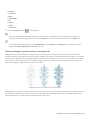
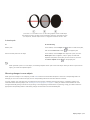
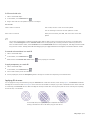
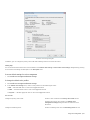
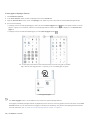
1 In the toolbox, click the Distort tool
.
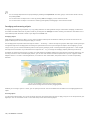
2 On the property bar, click one of the following buttons, and specify the settings you want:
• Push and pull distortion
• Zipper distortion
• Twister distortion
3 Point to where you want to place the center of distortion, and drag until the object is the shape you want.
You can also
Change the center of distortion
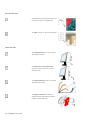
Drag the diamond-shaped position handle to a new location.
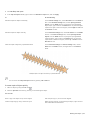
Adjust the number of points on a zipper distortion
Move the slider on the center of the distortion handle.
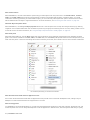
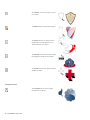
Apply a preset distortion
Choose a distortion preset from the Preset list box on the property
bar.
Apply more than one distortion to an object
Click another distortion type on the property bar, click an object,
and drag.
You can reapply the effects to distorted objects.
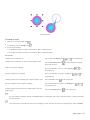
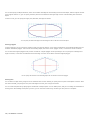
You can center a distortion by clicking the Center distortion button
on the property bar.
Shaping objects | 153