1
Working with bitmaps
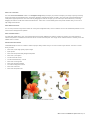
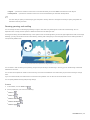
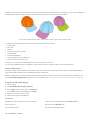
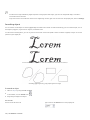
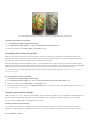
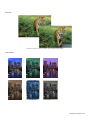
You can convert a vector graphic to a bitmap. You can also import and crop bitmaps in CorelDRAW.
You can also add color masks, watermarks, and special effects, and you can change the color and tone of the images.
This section contains the following topics:
• “Converting vector graphics to bitmaps” (page 475)
• “Importing bitmaps” (page 477)
• “Cropping bitmaps” (page 477)
• “Changing the dimensions and resolution of bitmaps” (page 477)
• “Straightening bitmaps” (page 479)
• “Using Digimarc watermarks to identify bitmaps” (page 481)
• “Removing dust and scratch marks from bitmaps” (page 482)
• “Applying special effects in bitmaps” (page 482)
• “Working with colors in bitmaps” (page 487)
• “Using the Image Adjustment Lab” (page 489)
• “Adjusting color and tone” (page 493)
• “Using the Tone Curve filter” (page 494)
• “Transforming color and tone” (page 495)
• “Editing bitmaps with Corel PHOTO-PAINT” (page 496)
Converting vector graphics to bitmaps
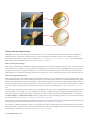
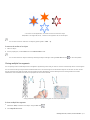
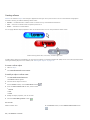
Converting a vector graphic or object to a bitmap lets you apply special effects to the object with CorelDRAW. The process of converting a
vector graphic to a bitmap is also known as “rasterizing.”
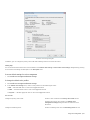
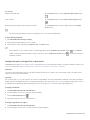
When you convert the vector graphic, you can select the color mode of the bitmap. A color mode determines the number and kind of
colors that make up the bitmap, so the file size is also affected. For more information about color modes, see “Changing the color mode of
bitmaps” on page 497.
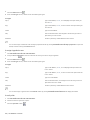
You can also specify settings for such controls as dithering, anti-aliasing, overprinting black, and background transparency.
When you export a file to a bitmap file format, such as TIFF, JPEG, CPT, or PSD, the same bitmap conversion options are available. For more
information about exporting, see “Exporting files” on page 576.
Working with bitmaps | 475