1
Error! Use the Home tab to apply Überschrift 1 to the text that you want to appear here.
Table of Contents
8
Slot Connectors (mPCIe, mSATA, MicroSD card) ............................................ 32
8.1
mPCIe or mSATA slot ............................................................................................................... 32
8.2
MicroSD card slot ................................................................................................................... 33
9
On-board - & mating connector types ......................................................... 34
10
BIOS .................................................................................................... 35
10.1
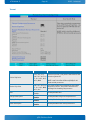
Main ................................................................................................................................... 35
System Information .................................................................................................................................. 36
Boot Features .......................................................................................................................................... 37
Boot Features .......................................................................................................................................... 39
10.2
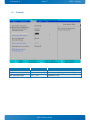
Advanced ............................................................................................................................. 40
CPU Configuration .................................................................................................................................... 41
Uncore Configuration ................................................................................................................................ 43
LAN Configuration .................................................................................................................................... 45
Hardware Monitor ..................................................................................................................................... 46
Display Configuration ................................................................................................................................ 47
South Cluster Configuration........................................................................................................................ 48
Security Configuration ............................................................................................................................... 55
Thermal .................................................................................................................................................. 56
10.3
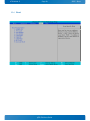
Security ............................................................................................................................... 57
10.4
Boot ................................................................................................................................... 58
10.5
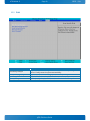
Exit..................................................................................................................................... 59
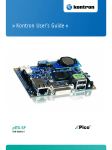
pITX-E38 Users Guide