1
Batch Processing: Running the Batch Processor
Running the Batch Processor
The following sections outline the workflow for opening or
creating a HPB file and running the HIPS Batch Processor.
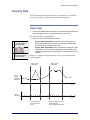
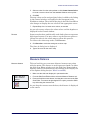
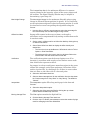
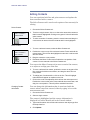
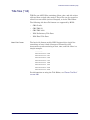
Open HBP File
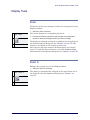
Open an existing HBP file.
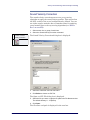
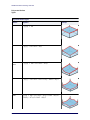
File > Open
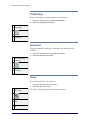
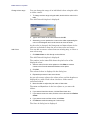
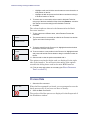
Key
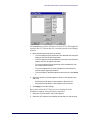
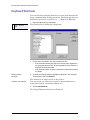
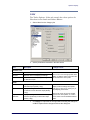
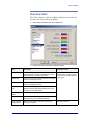
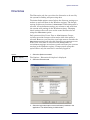
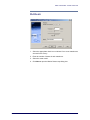
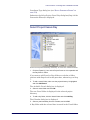
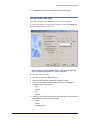
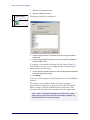
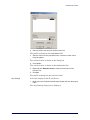
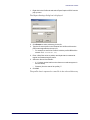
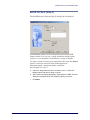
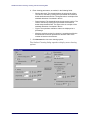
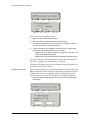
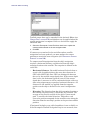
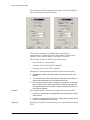
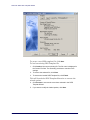
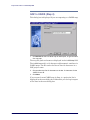
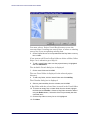
The Open dialog box is displayed.
2. Select a file and click Open.
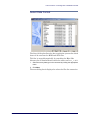
The file is displayed in the Batch Processor.
Tool
Menu
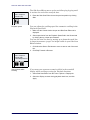
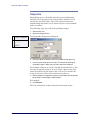
1. In the Batch Processor interface, select the Open File command.
<Ctrl+O>
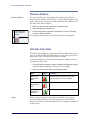
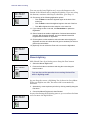
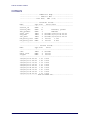
New HBP File
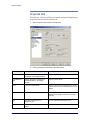
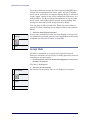
Create a new HPB file.
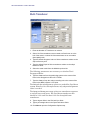
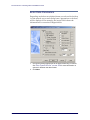
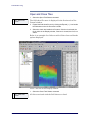
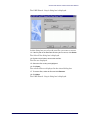
When the Batch Processor is first opened, it is ready to create a
new HPB file. If a HPB file is already open and you select the New
File command, the Processor is reset for the new file (the already
open file are is closed).
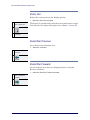
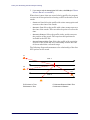
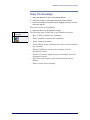
File > New
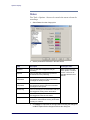
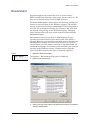
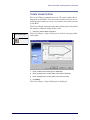
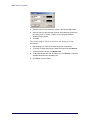
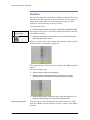
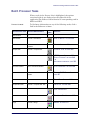
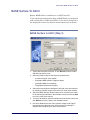
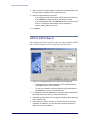
1. Select the New File command.
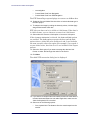
A new file is ready to be modified in the Batch Processor.
<Ctrl+N>
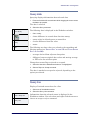
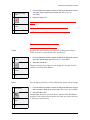
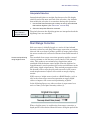
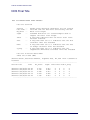
Save/Save As
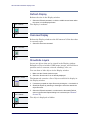
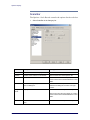
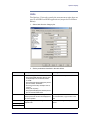
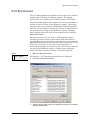
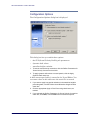
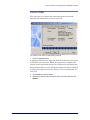
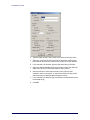
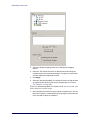
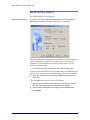
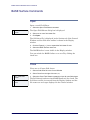
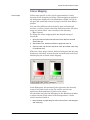
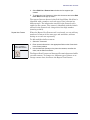
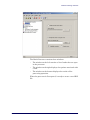
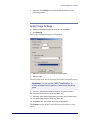
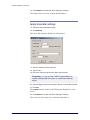
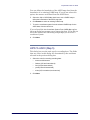
1. In the Batch Processor interface, select a Save command to save a
HBP file for the first time or save an existing file under a new name.
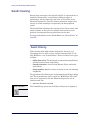
File > Save/Save As
All files are saved to …\Hips\Session.
Key
Tool
Menu
Key
Tool
Menu
New File
568
<Ctrl+S>
CARIS HIPS and SIPS User’s Guide