1
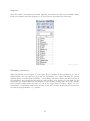
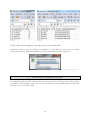
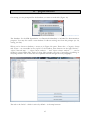
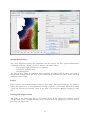
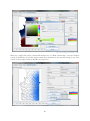
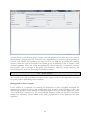
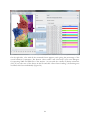
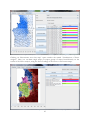
NB: If you single click on the right-hand column (the one with colours) instead
of the left column, then “Draw variant map” will use this colour instead of the
default blue.
II.3 group browser
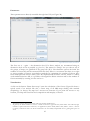
The group browser tab is for combining single maps to groups; these groups can be chosen as
the basis for further steps, for example doing a cluster analysis on all maps of vowels or a factor
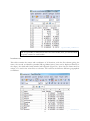
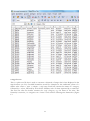
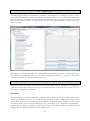
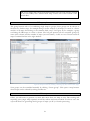
analysis of all maps that belong to the semantic field “crop”. In Figure 26, for example, a group
containing all SBS maps on verbs is shown. The left part presents all the accessible groups by
name (first column) and the number of maps (second column). A click on one of them reveals all
maps contained therein in the right window.
Figure 26: Group browser tab, featuring a selected group (left) and its content (right).
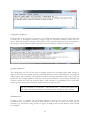
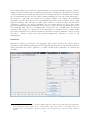
New groups can be assembled manually by clicking “Create group”. This opens a map browser
where maps can be selected by ticking checkboxes.
II.4 export
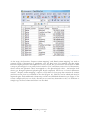
Often, you will want to generate or work with more than one map at once. But creating and
exporting every single map separately would be tedious and uneconomical. For those cases the
export tab allows for generating whole groups of maps (see II.3) via batch processing.
21