1
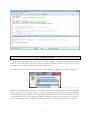
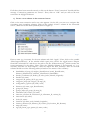
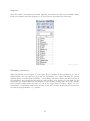
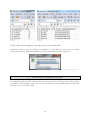
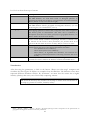
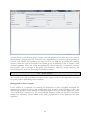
Figure 1: Batch script for running GeoLing with more RAM on a Windows platform.
I.4
entering your data
GeoLing requires all data to be in the form of a SQL database. You can either set up a database
running on a local server yourself or use the program’s built-in options to let it set one up for
you. Both options will be outlined in the following passages.
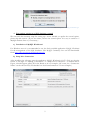
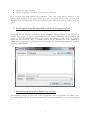
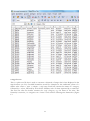
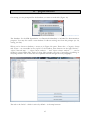
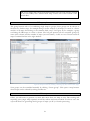
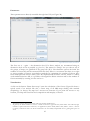
In either case, choose “Create new database” in the “Database” dialogue on startup (Figure 2).
Figure 2: Creating a new database.
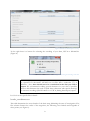
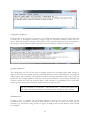
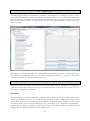
The following dialogue box (Figure 3) allows choosing between both options: Using a database
that is running on a separate server or using a stripped-down built-in database management
system. While the first option offers higher speed and usability in a network situation, it is only
recommended for users with prior knowledge of database systems. The second one is easier to
use for novices, but leads to slightly slower performance of GeoLing and is limited to local use.
4