1
Using PC Cards
Using PC Cards
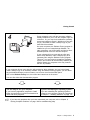
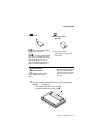
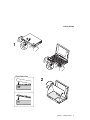
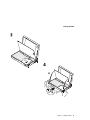
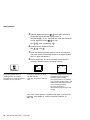
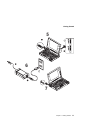
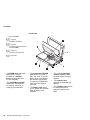
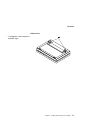
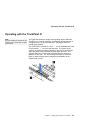
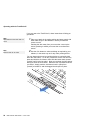
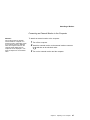
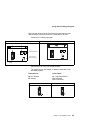
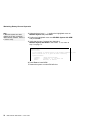
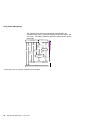
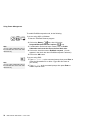
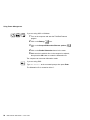
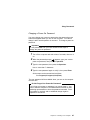
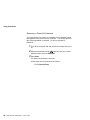
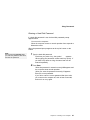
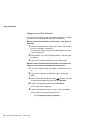
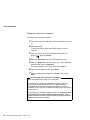
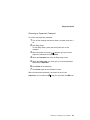
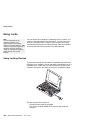
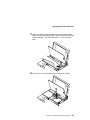
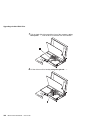
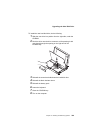
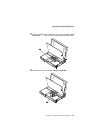
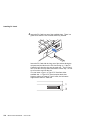
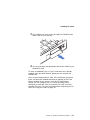
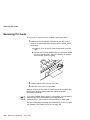
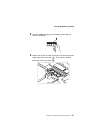
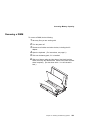
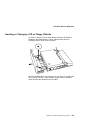
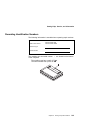
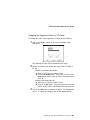
To insert a PC Card:
Page 115.
PC Card Standard:
Page 239.
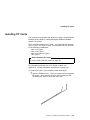
Your computer has two slots that allow you to install 68-pin, 85.6
mm × 54.0 mm (credit-card-size) PC Cards. With a PC Card, you
can send and receive faxes, communicate via a network, or store
data.
The PC Card slots of the computer conform to the PCMCIA
Standard Release 2.1 that is defined as the hardware layer of the
PC Card standard. Your computer also comes with the following
basic set of drivers:
Socket Services
Card Services
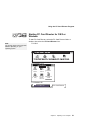
PC Card Director and common enablers
PC Card Director:
Page 50.
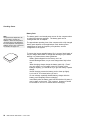
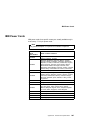
The PC Card slots operate at 5V and support the following:
Type I, Type II, and Type III PC Cards.
16-bit PC Card (PCMCIA 2.0,2.1/ JEIDA 4.1,4.2)
Note that the PC Card slots do not support 8-bit or 16-bit slave
DMA PC Cards. Ask IBM or an IBM authorized dealer for more
information about the different types of PC Cards.
For more information about PC Cards, see Appendix B.
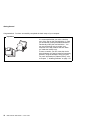
PC Card Limitations under Suspend Mode
Although some PC Cards can be inserted or removed without turning
off the computer (refer to the instructions that came with the PC
Card), you cannot remove or install PC Cards during suspend mode.
Chapter 3. Operating Your Computer
49