1
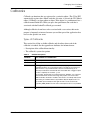
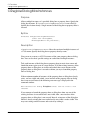
CL Functions
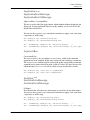
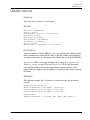
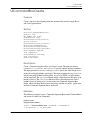
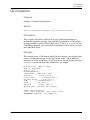
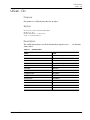
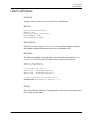
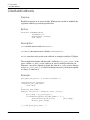
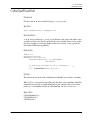
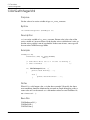
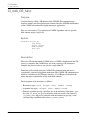
Cl_call_CR_func
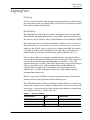
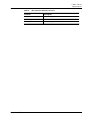
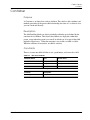
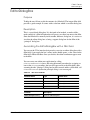
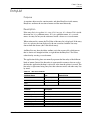
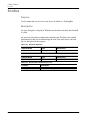
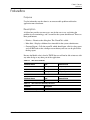
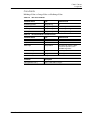
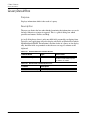
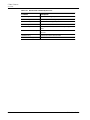
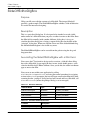
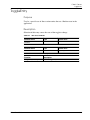
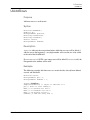
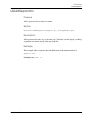
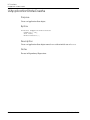
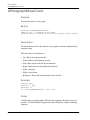
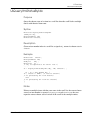
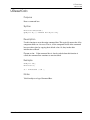
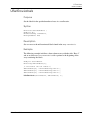
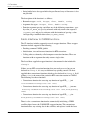
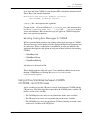
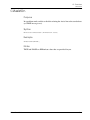
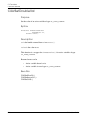
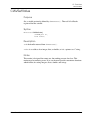
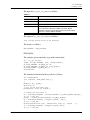
The input for Cl_call_CR_func is as follows:
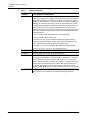
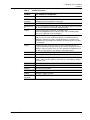
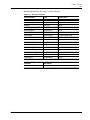
Table C-1
int block
Block for call completion flag
ClType retType
Return value type of CR function
void *retVal
Return value pointer
char *rtn
Name of Cr function to be called
va_alist
Variable argument list. Corresponds to arguments to be passed
to the CR function. Maximum of MAX_CR_FUNC_ARGS
arguments can be passed. Arguments to be passed are triplets
of the form : ClType, ClMode and Value
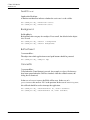
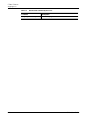
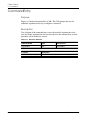
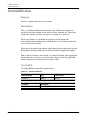
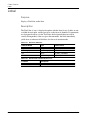
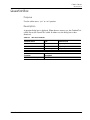
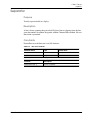
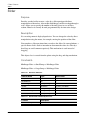
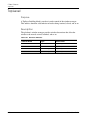
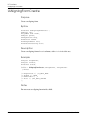
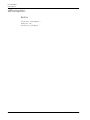
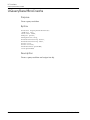
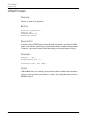
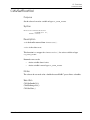
The output of Cl_call_CR_func is as follows:
void *retVal Return value of CR function
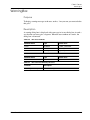
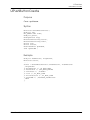
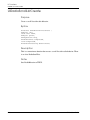
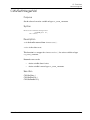
The return is as follows:
OUR_SUCCESS / OUR_FAILURE
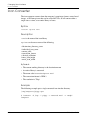
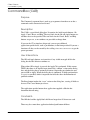
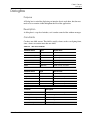
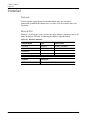
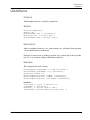
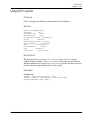
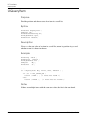
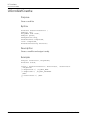
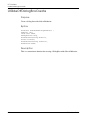
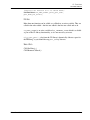
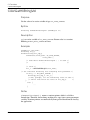
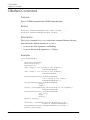
Examples
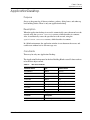
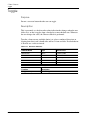
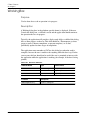
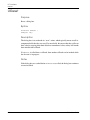
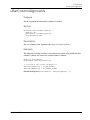
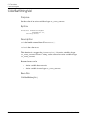
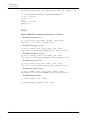
The examples given explain the usage of the functionality.
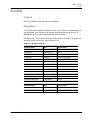
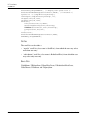
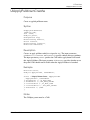
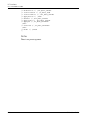
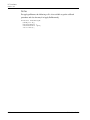
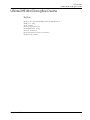
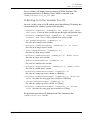
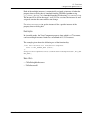
st = cl_call_CR_func
(TRUE, CL-type-INTEGER, &ret, “dispPtonMenu”,
CL_TYPE_INTEGER, CL_MODE_IN, id,
CL_TYPE_INTEGER, CL_MODE_IN, tang_display,
CL_TYPE_DOUBLE, CL_MODE_IN, Z,
CL_TYPE_VOID
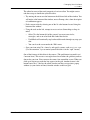
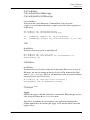
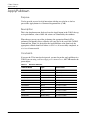
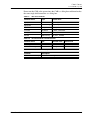
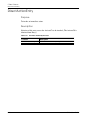
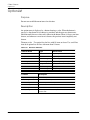
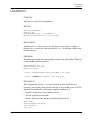
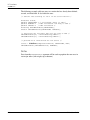
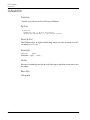
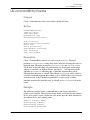
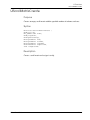
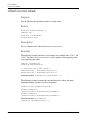
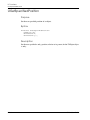
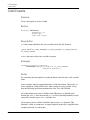
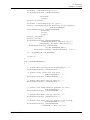
The example for the function being called is as follows:
int DispPtonMenu
(int argCount, FUNC_ARGS args [])
{
UiObject obj, parobj;
HliStatus st;
/* Set up the Pton menu id*/
ptonMenuId = args [0].argVal.i;
/* Launch the Pton menu */
st = UiGetObjectByName (“PtonCurveHandle”,UI_NULL_OBJECT,&parobj);
if (st != HLI_OK)
parobj = create_PtonCurveHandle (UI_NULL_OBJECT);
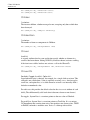
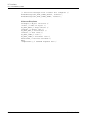
st = UiGetObjectByName (“Toggle1”,parobj, &obj);
if (st == HLI_OK)
UiSetDefaultBoolean (obj, (HLIBoolean) args [1] .argVal . i);
st = UiGetObjectByName (“Toggle2”,parobj,&obj);
if (st == HLI_OK)
CVact User Guide
C-39