1
3
Using the Xybernaut MA® V
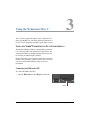
USING THE XYBER®KEY WRIST-WORN KEYBOARD
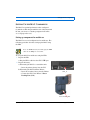
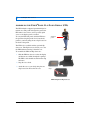
The light-weight, wrist-worn keyboard is a fully functional
keyboard designed for wearable use. The wrist-worn
keyboard is used primarily with the HMD.
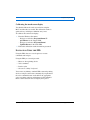
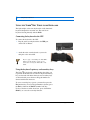
Connecting the keyboard to the CPU
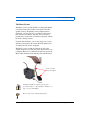
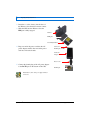
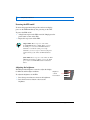
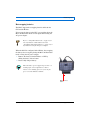
To connect the keyboard to the CPU:
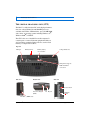
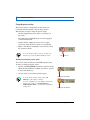
1. Plug the wrist-worn keyboard into the USB port
on the CPU or Holster.
USB port
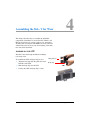
2. Attach the wrist-worn keyboard to your wrist
using the velcro wrist band.
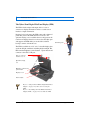
Refer to page “Assembling the Xyber®Key
Wrist-worn Keyboard” on page 39 for
instruction on using the Xyber®Key wrist
band.
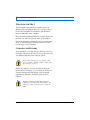
Using the keyboard’s primary and secondary keys
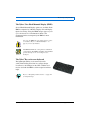
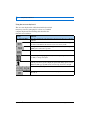
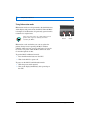
The Xyber®Key keyboard contains 60 keys that allow you
to perform all the functions of a full-size keyboard. Primary
keys are denoted with white characters and secondary keys
are denoted with green characters. Keypad numbers are
denoted with brown characters.
To access secondary keys (green), you must first press the
Fn (function) key. To access keypad numbers (brown), press
the Fn key and then the Nm Lk (number lock) key.
If a key contains two white characters, press and hold the
Shift key to access the secondary function.
Xybernaut MA® V User’s Guide v. 2
28
Customer Support: 1-877-877-0297