1
Assembling the Xyber®Key Wrist-worn Keyboard
ASSEMBLING THE XYBER®KEY WRIST-WORN KEYBOARD
®
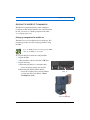
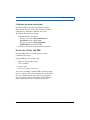
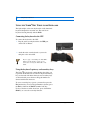
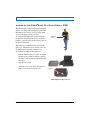
The Xyber Key mini-keyboard attaches to a wrist band for
wearing the keyboard on your left wrist.
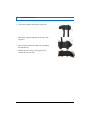
To assemble the keyboard and wrist band:
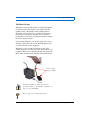
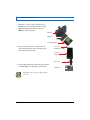
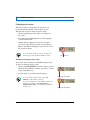
1. Cut a portion of the velcro material included with your
keyboard, so that it covers the back of the keyboard.
2. Attach the velcro to the back of the keyboard.
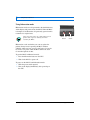
3. Lay the keyboard face down on a table with the velcro
facing up.
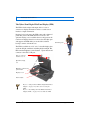
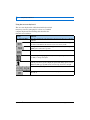
4. Attach the wrist band to the keyboard by pressing the
velcro on the wrist band into the velcro on the
keyboard.
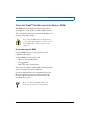
5. Thread the wrist band straps through the top slots of
the keyboard.
Xybernaut MA® V User’s Guide v. 2
39
Customer Support: 1-877-877-0297