1
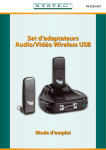
Wireless USB Adapter Kit - User Guide
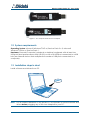
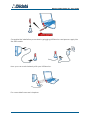
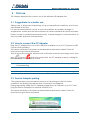
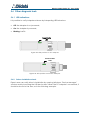
Plug the PC Adapter into a USB port of your PC(best performances with USB 2.0) and
wait for drivers’ activation.
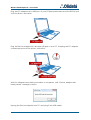
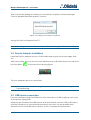
Plug the Device Adapter into another USB port of your PC , keeping the PC Adapter
connected and wait for drivers’ activation.
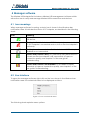
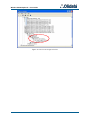
Wait for Adapters association procedure to complete, until “Device Adapter has
been paired” message is shown.
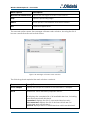
Unplug the Device Adapter from PC and plug it into USB cradle.
4