1
3. Working with COSIMIR®
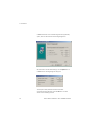
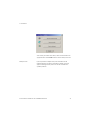
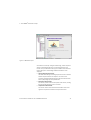
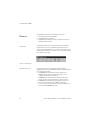
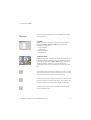
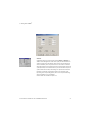
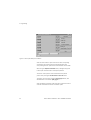
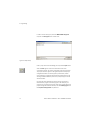
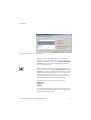
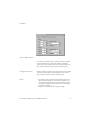
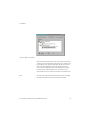
You can name the selected view, assign a dwell time and a zoom time,
and change the point of view manually.
Creating an Animation
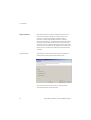
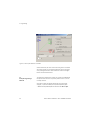
You can create an animation of your simulation with the help of the
camera cruise function. The animation is saved as an AVI file. Trainees
can use this file for their own presentation purposes, or can submit it as
the result of their project.
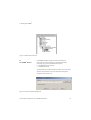
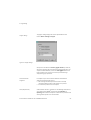
To create an animation of your simulation:
1. Configure a camera cruise sequence and test it in combination with
your simulation.
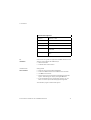
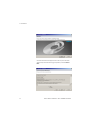
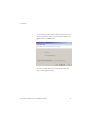
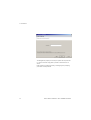
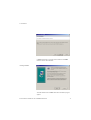
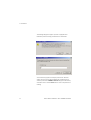
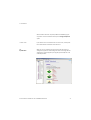
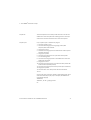
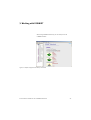
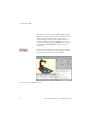
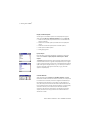
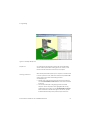
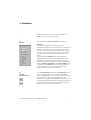
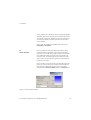
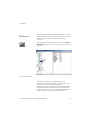
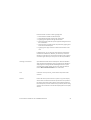
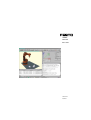
2. In order to create an animation, start simulation and recording of the
camera cruise sequence with the second toolbar button shown in
the screenshot on the left.
© Festo Didactic GmbH & Co. KG • COSIMIR® Educational
61