1
Browser
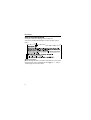
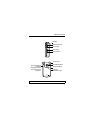
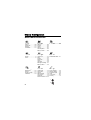
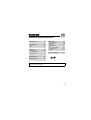
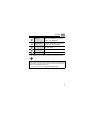
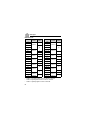
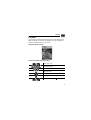
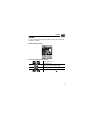
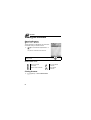
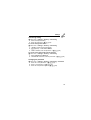
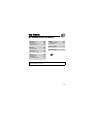
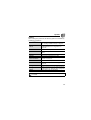
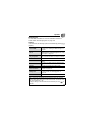
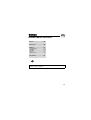
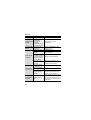
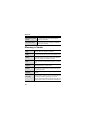
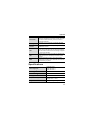
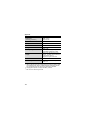
Browser menu structure
PANASONIC BOX
Note: There are several ways to select items from menu lists. See “Menu
selection method” on page 26.
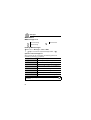
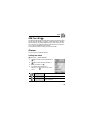
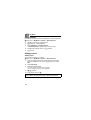
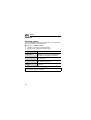
Setting up your Browser
Your phone’s WAP (Wireless Application Protocol) browser allows
you to access services supported by the network such as news,
weather reports, sports, etc.
Before Internet services can be accessed, you need to subscribe to
your service provider to enable the relevant configuration
information. (Your service provider may have already completed the
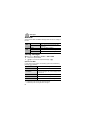
connection settings. To configure the WAP profile settings, see
“WAP profiles” on page 87.)
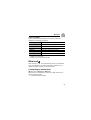
Note: Modifying the preinstalled settings without accurate knowledge may
cause a failure in connection.
81