1
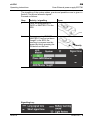
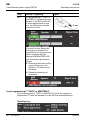
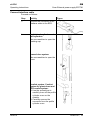
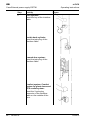
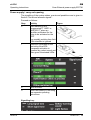
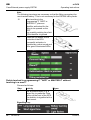
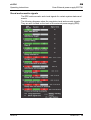
GB eLOCK Operating instructions Case External power supply ES7781 Power supply / carry out opening The signalling of the system states, events and possible errors is given in Section "Visual and acoustic signals". Proceed as follows: Step Activity 6 After teaching in the programming IT "ADD" or MASTER IT, place an identifier authorised for the fitting to be activated on the EPS. Any possibly existing time limit of the identifier is ignored 7 Press the ON button on the front side of the EPS. Successful activation is signalled by a short sound and three green illuminated LEDs. 8 Open the door. 9 Insert new battery in the fitting, see separate operating instructions. Figure Signalling key: 02/2014 OPERTIS 13