1
Service
13.07.2000
Service
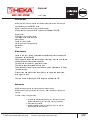
Best, once a year, but latest after two years, the test line must have a maintenance.
See Maintenance, page 02, after maintenance check zero points.
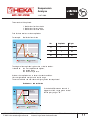
Check zero points first, for brake = 28
for toe = 128
Service function
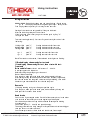
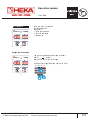
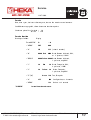
Use keys as follows:
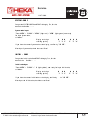
Display
“Enter GREEN”
C--
- -0
+ “MENU”
CHE
000
+ “9”
SSS
SSS (about 2 seconds)
+ “0”
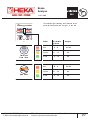
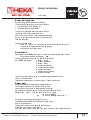
0000 Red 0000 Brake, Newton indicated, UA2,
+ “SCROLL”
0000 Yellow 0000 Brake, Newton indicated,
+ “1”
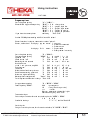
28
Red
28 Brake, Zero point, UA2,
+ “2”
28
Yellow
28 Brake, Zero point,
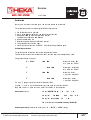
or 2. plate set, if UA4!
1. plate set, only UA4!
255
+ “MENU”
“CLR RED”
HEKA AUTO TEST GMBH
E-Mail: [email protected]
1. plate set, only UA4!
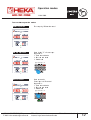
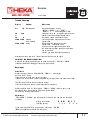
Green 128 Toe, Zero point
+ “5” (“6”)
+ “8”
2. plate set, if UA4!
000 Configuration, ca. 4 seconds
123 Unit no. ca. 2 seconds
for confirmation and restart.
TEL: 07 61 / 8 10 80
Internet: http://www.heka-online.de
FAX: 07 61 / 8 10 89
19