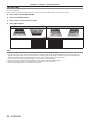
1
Chapter 4 Settings — [NETWORK] menu
[Network config] page
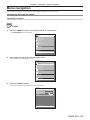
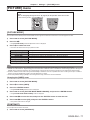
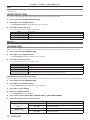
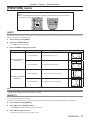
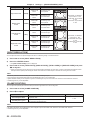
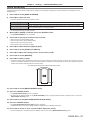
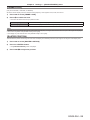
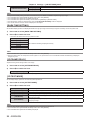
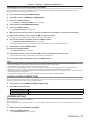
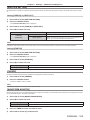
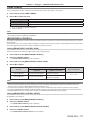
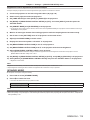
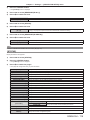
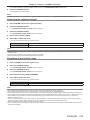
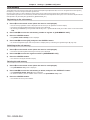
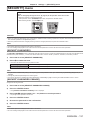
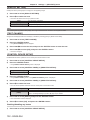
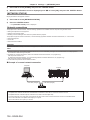
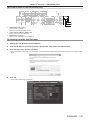
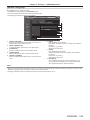
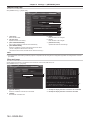
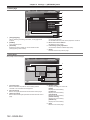
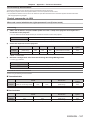
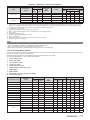
Click [Detailed set up] → [Network config].
ff Click [Network config] to display the [CAUTION!] screen.
ff The current settings are displayed by pressing the [Next] button.
ff Click [Change] to display the setting change screen.
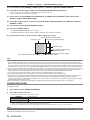
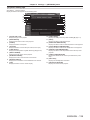
1
2
3
4
5
6
7
8
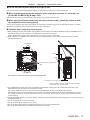
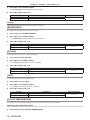
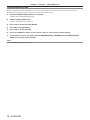
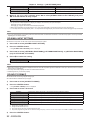
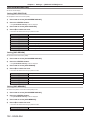
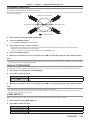
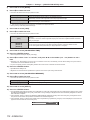
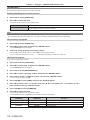
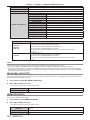
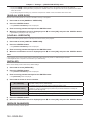
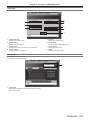
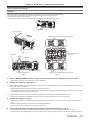
1 [PROJECTOR NAME]
Enter the name of the projector. Enter the host name if it is
required when using a DHCP server etc.
2 [DHCP ON]/[DHCP OFF]
To enable the DHCP client function, set to [DHCP ON].
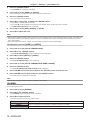
3 [IP ADDRESS]
Enter the IP address when not using a DHCP server.
4 [SUBNET MASK]
Enter the subnet mask when not using a DHCP server.
5 [DEFAULT GATEWAY]
Enter the default gateway address when not using a DHCP
server.
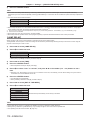
6 [DNS1]
Enter the DNS1 server address.
Permissible characters for the entry of DNS1 server address
(primary):
Numbers (0 - 9), period (.)
(Example: 192.168.0.253)
7 [DNS2]
Enter the DNS2 server address.
Available characters for the entry of DNS2 server address
(secondary):
Numbers (0 - 9), period (.)
(Example: 192.168.0.254)
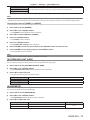
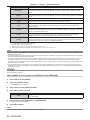
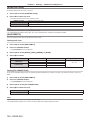
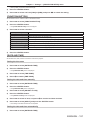
8 [Back]/[Next]
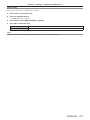
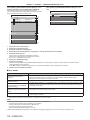
Click the [Back] button to return to the original screen. The
current settings are displayed by pressing the [Next] button.
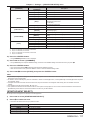
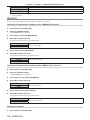
Click the [Submit] button to update the settings.
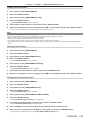
Note
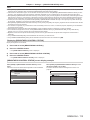
ff When you use the “Forward” and “Back” functions of your browser, a warning message “Page has Expired” may appear. In that case, click
[Network config] again since the following operation will not be guaranteed.
ff Changing LAN settings while connected to the LAN may cause the connection to cut out.
ENGLISH - 143