1
Chapter 4 Settings — [3D SETTINGS] menu
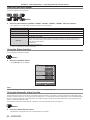
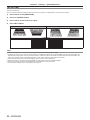
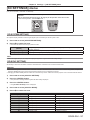
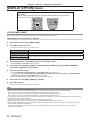
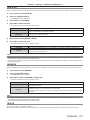
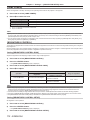
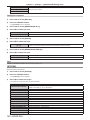
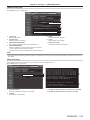
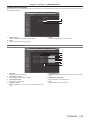
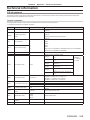
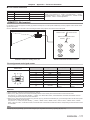
[3D WAVEFORM MONITOR]
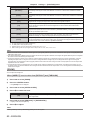
[OFF]
Hides the 3D waveform monitor.
[ON]
Displays the 3D waveform monitor.
Note
ff The [CLOCK PHASE] setting is enabled at simultaneous input of RGB1 and RGB2 to adjust the right eye image.
ff This is disabled when [3D SYSTEM SETTING] is set to other than [SINGLE].
ff This is disabled when [3D TEST PATTERN] is displayed.
ff This is disabled when [3D TEST MODE] is set to other than [NORMAL] or [SIDE BY SIDE].
ff The 3D waveform monitor is displayed only when the [3D PICTURE BALANCE] screen is displayed.
ff The normal waveform monitor cannot be displayed in 3D images.
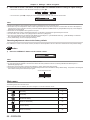
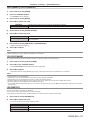
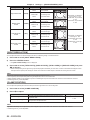
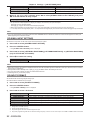
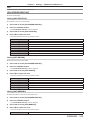
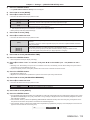
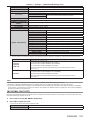
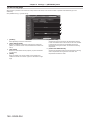
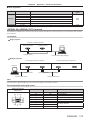
[DARK TIME SETTING]
Set the black display period to be displayed between the right eye image and the left eye image as necessary for the 3D system used.
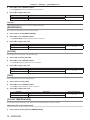
1) Press as to select [DARK TIME SETTING].
2) Press qw to switch the item.
ff The items will switch each time you press the button.
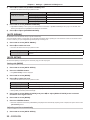
[0.5 ms]
[1.0 ms]
[1.5 ms]
[2.0 ms]
Set so that the 3D setting is displayed correctly.
[2.5 ms]
[2.7 ms]
Note
ff This is disabled when [3D SYSTEM SETTING] is set to other than [SINGLE].
ff When the setting does not correspond to the 3D system in use, phenomenon such as increased crosstalk and darkening of displayed
images may occur.
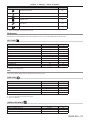
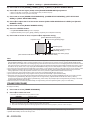
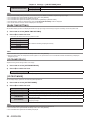
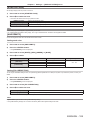
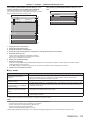
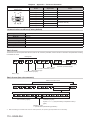
[3D FRAME DELAY]
Adjust the timing of the left-right switch of an image.
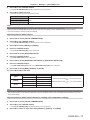
1) Press as to select [3D FRAME DELAY].
2) Press qw to switch the item.
[0us] - [25 000 us]
Allows you to set in increments of 10 us.
ff The adjustment range depends on the input signal.
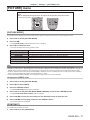
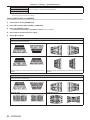
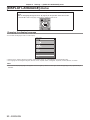
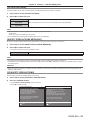
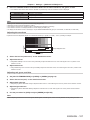
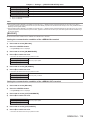
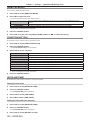
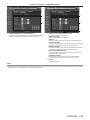
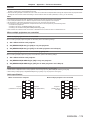
[3D TEST MODE]
Set the image display system for use with 3D system adjustments.
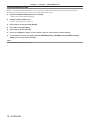
1) Press as to select [3D TEST MODE].
2) Press qw to switch the item.
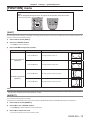
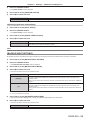
[NORMAL]
[SIDE BY SIDE]
[LEFT/LEFT]
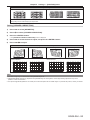
Standard setting.
The left eye image is displayed on the left, next to the right eye image displayed on the right.
Both the left eye image and right eye image display the left eye input signal.
[RIGHT/RIGHT]
Both the left eye image and right eye image display the right eye input signal.
[LEFT/BLACK]
The left eye input signal is displayed in the left eye image and a completely black image is displayed
in the right eye image.
[BLACK/RIGHT]
A completely black image is displayed in the left eye image and the right input signal is displayed in
the right eye image.
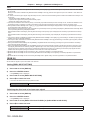
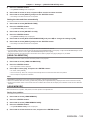
Note
ff The [3D TEST MODE] settings return to [NORMAL] when the projector is switched off.
ff This is disabled when [3D SYSTEM SETTING] is set to other than [SINGLE].
ff This is disabled when [3D TEST PATTERN] is displayed.
94 - ENGLISH