1
Commands
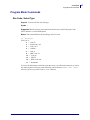
Program Mode Commands
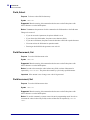
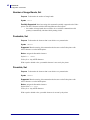
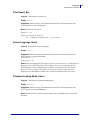
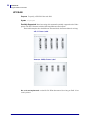
Pitch Size, Set
Purpose To set the pitch size for a human-readable field.
Syntax gn
Supported Based on testing, this command works the same on the Zebra printer with
APL-I firmware as on the 3400D printer.
Notes To scale outline fonts smoothly, use the pitch size command.
Default Value: n = 12
Accepted values for n: 1 - 50
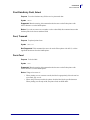
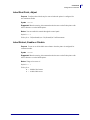
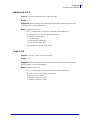
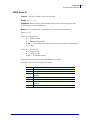
Point Size, Set
Purpose To set the point size for a human-readable field.
Syntax kn
Supported Based on testing, this command works the same on the Zebra printer with
APL-I firmware as on the 3400D printer.
Notes One point size is equivalent to 1/72 inch. The higher the point size, the larger the
characters.
Default Value: n = 12
Accepted values for n: 4 - 288
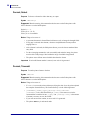
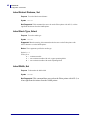
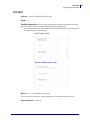
Print Line Dot Count Limit, Set
Purpose To limit the print line dot count limit.
Syntax v
Supported Based on testing, this command works the same on the Zebra printer with
APL-I firmware as on the 3400D printer.
Notes The printer ignores this because it is a null command.
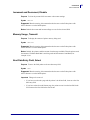
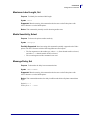
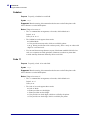
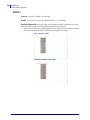
Program Mode, Exit
Purpose To switch from program mode to print mode and save the format or page currently
being edited.
Syntax R
Supported Based on testing, this command works the same on the Zebra printer with
APL-I firmware as on the 3400D printer.
11/24/09
APL-I Reference Guide
14177L-003
77