1
Help
Contents
Back
<<
>>
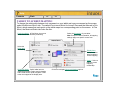
OPENING THE CONTROL PANEL
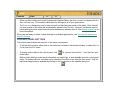
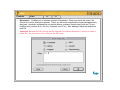
To open the control panel in OS X:
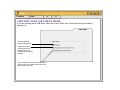
1. In the FINDER, select the GO menu and choose APPLICATIONS.
2. Open the WACOM folder and double-click on the tablet icon.
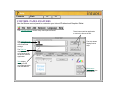
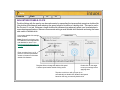
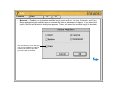
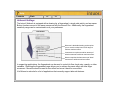
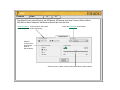
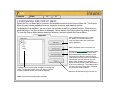
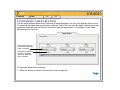
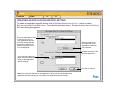
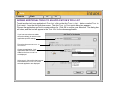
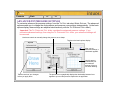
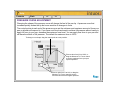
To open the Wacom control panel,
double-click here with the tool you
wish to customize.
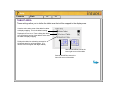
To open the control panel in OS 8 and 9: Open the control panel with the Intuos2 tool you wish to
customize.
1. Using your Intuos2 tool, open the Apple menu and choose CONTROL PANELS.
2. Double-click on the tablet icon.