1
Help
Contents
Back
<<
>>
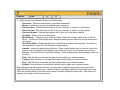
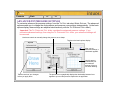
WORKING WITH APPLICATION-SPECIFIC SETTINGS
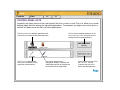
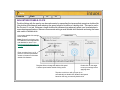
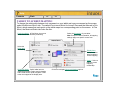
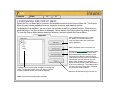
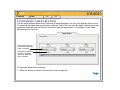
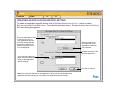
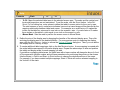
You may wish to have different tool settings for a particular application. The APPLICATION LIST lets you
customize your Intuos2 tablet and tool settings for individual applications.
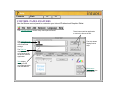
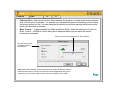
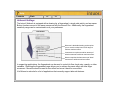
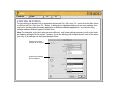
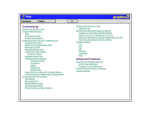
The APPLICATION LIST
displays icons for
applications with
customized settings.
The TOOL LIST displays
icons for tools that are
customized for the above
selected application.
Tab settings apply only
to the selected tool and
application.
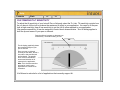
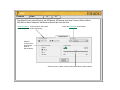
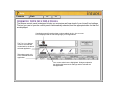
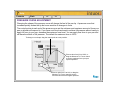
Your current selections are highlighted. Wedges emphasize
the relationship between tab settings and the selected tool
and application.