1
Advanced Features
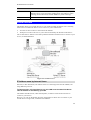
•
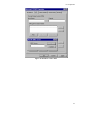
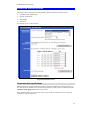
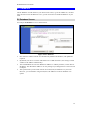
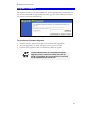
Details of your DDNS account (Name, password, Domain name)
must then be entered and saved on this screen.
•
This device will then automatically ensure that your current IP
Address is recorded by the DDNS Service Provider. (You do
NOT need to use the "Client" program provided by some DDNS
Service providers.)
•
From the Internet, users will now be able to connect to your
Virtual Servers (or DMZ PC) using your Domain name.
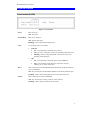
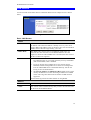
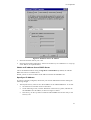
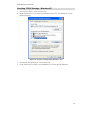
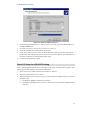
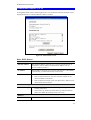
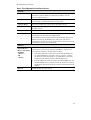
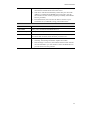
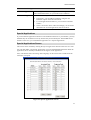
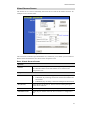
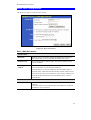
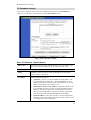
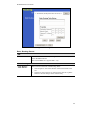
DDNS Data
DDNS Service
Select the desired DDNS Service provider.
User Name
Enter your Username for the DDNS Service.
Password/Key
Enter your current password for the DDNS Service.
Domain Name
Enter the domain name allocated to you by the DDNS Service. If you
have more than one name, enter the name you wish to use.
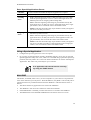
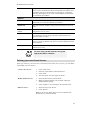
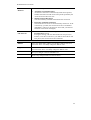
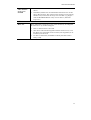
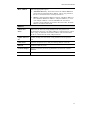
DDNS Status
•
This message is returned by the DDNS Server
•
Normally, this message should be "Update successful"
•
If the message is "No host", this indicates the host name entered
was not allocated to you. You need to connect to DDNS Service
provider and correct this problem.
55