1
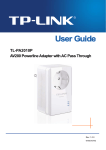
TL-PA250 AV200+ Powerline Adapter with AC Pass Through
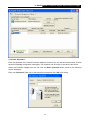
4.1.2 Enter Password
Enter the password of the remote Powerline Adapters, and then you can set the network name of these
devices on Privacy configuration homepage. The password can be found on the back of the device.
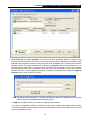
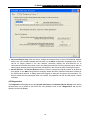
Select the Powerline Adapter from the list, click the Enter Password button and then the following
screen will display.
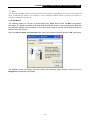
Enter your Password (Take note of the password format) and click “OK” after setup.
14