1
Associating Content Types with DRMs
When assigning a DRM type to a content type, be aware that CDS DRM can only be
used with MIDlets. Be aware also that SMS content types and remotely hosted
copyrighted content cannot be assigned a DRM. Other than these restrictions, the
choice of no DRM, CDS OMA DRM 1.0 Forward Lock, and OMA DRM 1.0 can be
used with any content type.
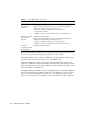
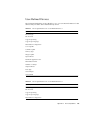
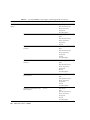
This release of the Content Delivery Server contains the default associations of DRM
types to content types shown in TABLE 2-5.
TABLE 2-5
DRM Options and Associated DRM Types and Content Types
Default Setting for DRM
Type
DRM Type
Content Type
None (no DRM protection)
group logo
iappli
image
midlet
monophonic ringtone
operator logo
ringtone
sms picture
video
Enabled
CDS DRM
midlet
Enabled
CDS OMA DRM 1.0
Forward Lock
nonea
Enabled
OMA DRM 1.0:
Forward Lock
Combined Delivery
Separate Delivery
none
Disabled
a Although no content type is associated with CDS OMA DRM 1.0 Forward Lock by default, you can assign it to the content type of your choice through the Catalog Manager.
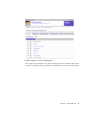
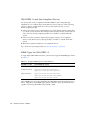
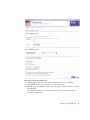
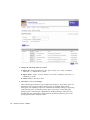
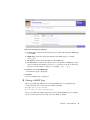
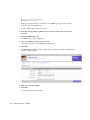
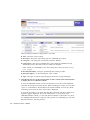
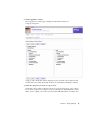
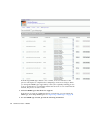
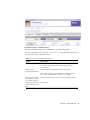
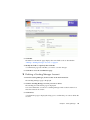
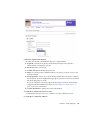
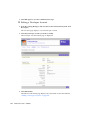
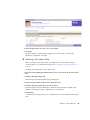
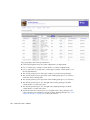
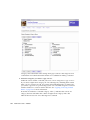
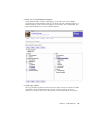
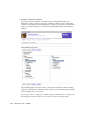
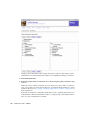
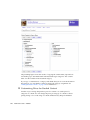
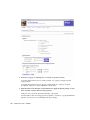
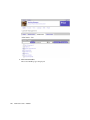
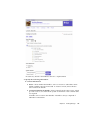
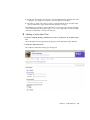
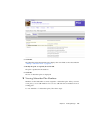
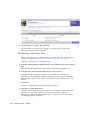
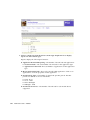
You can assign a DRM through the MIME types page in the Catalog Manager.
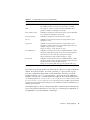
During deployment only one DRM can be associated with a particular content type.
That means that even though None, CDS OMA DRM 1.0 Forward Lock, and OMA
DRM 1.0 are all enabled, only one of them can be associated with the picture
content type. The Content Delivery Server provides six CDS DRM Agents. Only one
agent can be used per deployment. See Appendix B for a list of DRMs and content
type associations. See TABLE 2-2 for agent descriptions.
Chapter 2
Catalog Manager
25